

StarTech 2 Port HDMI Switch Auto IR Remote 1080p
In 1 Out HDMI Selector with Automatic Priority Switching – 1080p
Brand: StarTech.com
SKU: VS221HDQ
$155.88
Price as listed. Shipping charges calculated at checkout.
In stock

Do you have any question about this product or its specs? Want to know more? Click here to contact our pre-sales consultant and make the right purchase.
 NOTE: The information below is provided for your convenience only; the accuracy of the specifications cannot be guaranteed. However, if necessary, please check with us before purchasing. Data provided by 1 World Sync.
General
Video port type
HDMI
Product colour
Black
Material
Aluminium, Plastic
Maximum operating distance
10 m
AC input voltage
100 - 240 V
AC adapter input current
0.6 A
AC adapter output voltage
12 V
Certification
CE, FCC, TAA, REACH
Width
65 mm
Depth
156 mm
Height
20 mm
StarTech.com 2 Port HDMI Switch w/ Automatic and Priority Switching - 1080p. Video port type: HDMI. Product colour: Black, Material: Aluminium, Plastic, Maximum operating distance: 10 m. AC input voltage: 100 - 240 V, AC adapter input current: 0.6 A, AC adapter output voltage: 12 V. Certification: CE, FCC, TAA, REACH. Width: 65 mm, Depth: 156 mm, Height: 20 mm
| Estimate Gross Weight | 0.853 |
|---|
https://se.startech.com/product/VS221HDQ
Discover hassle-free HDMI connection and automatic video port selection with high-definition picture quality
Save time and hassle by automatically switching between your HDMI audio/video sources, using the VS221HDQ 2-Port HDMI Auto Switcher. This easy-to-use HDMI switch ensures seamless transition while switching video sources, with EDID copy maintaining your video resolution.
Seamless Signal Selection
Ensure seamless transition while switching video sources, with EDID copy maintaining native resolution with support for 1080p. Video connection emulation ensures the settings on any connected computers are not disrupted while switching to a different video source.
Effortless Control
Save time by connecting two HDMI video source devices to your HDMI display instead of manually connecting individual cables. Mounting hardware is also included for a tidy, professional installation.
Versatile Switching Options
Enjoy hassle-free operation with three different switching modes:
Automatic port selection: Enables your most recently activated video source to be displayed automatically.
Priority port selection: Prioritizes input number two above input number one. If the video source connected to input number two is activated that source will be displayed.
Manual port selection: Enables you to manually select your HDMI source with easy-to-use front panel buttons.
The StarTech.com Advantage
- Save your time, by conveniently accessing multiple HDMI source devices with a single HDMI display
- Worry-free switching, with EDID copy video and connection emulation ensuring no signal loss
- Hassle-free operation, with three video selection modes including automatic, priority, and manual
Discover hassle-free HDMI connection and automatic video port selection with high-definition picture quality
Save time and hassle by automatically switching between your HDMI audio/video sources, using the VS221HDQ 2-Port HDMI Auto Switcher. This easy-to-use HDMI switch ensures seamless transition while switching video sources, with EDID copy maintaining your video resolution.
Seamless Signal Selection
Ensure seamless transition while switching video sources, with EDID copy maintaining native resolution with support for 1080p. Video connection emulation ensures the settings on any connected computers are not disrupted while switching to a different video source.
Effortless Control
Save time by connecting two HDMI video source devices to your HDMI display instead of manually connecting individual cables. Mounting hardware is also included for a tidy, professional installation.
Versatile Switching Options
Enjoy hassle-free operation with three different switching modes:
Automatic port selection: Enables your most recently activated video source to be displayed automatically.
Priority port selection: Prioritizes input number two above input number one. If the video source connected to input number two is activated that source will be displayed.
Manual port selection: Enables you to manually select your HDMI source with easy-to-use front panel buttons.
The StarTech.com Advantage
- Save your time, by conveniently accessing multiple HDMI source devices with a single HDMI display
- Worry-free switching, with EDID copy video and connection emulation ensuring no signal loss
- Hassle-free operation, with three video selection modes including automatic, priority, and manual
0.0
0 review(s)
Inside NetworkDistri
From our network to yours.
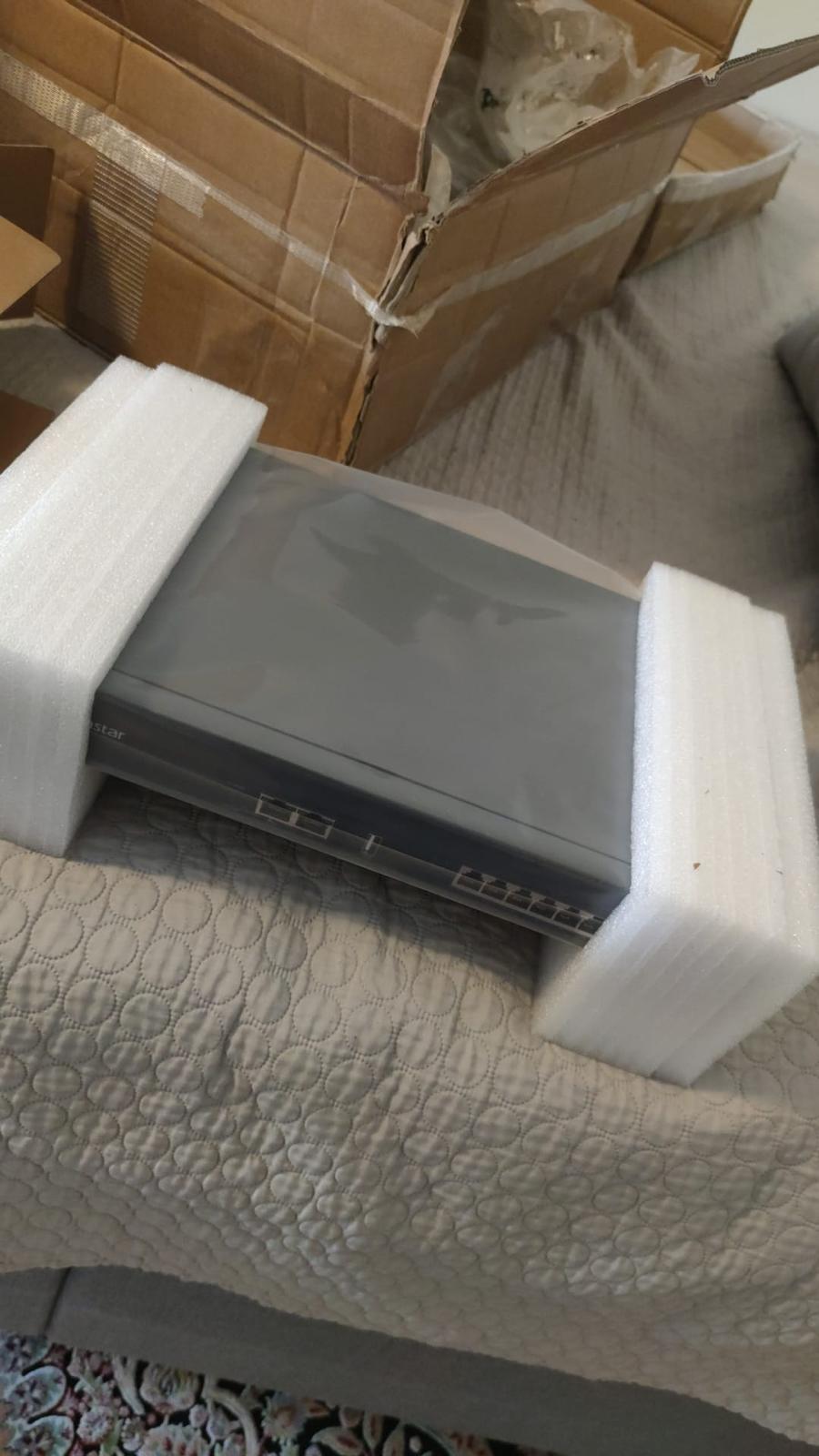
Every day, technology moves through our operation — received, checked, prepared and dispatched to customers. The images below show real equipment handled through our operation, not stock photography.
Real operations
Technology we actually handle
01
Source
Global supply
02
Receive
Goods arrive
03
Prepare
Process & pack
04
Dispatch
On the way