

WD15 Verkabelt USB 3.2 Gen 1 (3.1 Gen 1) Type-C Schwarz (W125782268)
Dock with 130W AC adapter
Brand: Dell
SKU: JY6VF
$455.88
Price as listed. Shipping charges calculated at checkout.
In stock

Do you have any question about this product or its specs? Want to know more? Click here to contact our pre-sales consultant and make the right purchase.
 NOTE: The information below is provided for your convenience only; the accuracy of the specifications cannot be guaranteed. However, if necessary, please check with us before purchasing. Data provided by 1 World Sync.
General
Connectivity technology
Wired
Host interface
USB 3.2 Gen 1 (3.1 Gen 1) Type-C
Ethernet LAN
Y
Ethernet LAN data rates
10,100,1000 Mbit/s
Product colour
Black
Maximum digital resolution
3840 x 2160 pixels
Cable lock slot
Y
Cable lock slot type
Kensington
Power source type
DC
AC input voltage
100 - 240 V
Output voltage
19.5 V
Width
155 mm
Depth
110 mm
Height
21 mm
DELL WD15. Connectivity technology: Wired, Host interface: USB 3.2 Gen 1 (3.1 Gen 1) Type-C. Ethernet LAN data rates: 10,100,1000 Mbit/s. Product colour: Black, Maximum digital resolution: 3840 x 2160 pixels, Cable lock slot type: Kensington. Power source type: DC, AC input voltage: 100 - 240 V, Output voltage: 19.5 V. Width: 155 mm, Depth: 110 mm, Height: 21 mm
https://accessories.euro.dell.com/sna/productdetail.aspx?c=gr&l=en&s=dhs&cs=grdhs1&sku=452-bccq
The Dell Dock provides a common docking experience for both Dell and non-Dell platforms via Display Port over USB Type-CΓäó, ensuring a reliable connection and crisp display. The dock connects with a single cable, freeing up space on your desk and in your workspace with the added ability to mount behind a monitor or on your desk. Great for presentations, the small and compact Dell Dock enables fast, efficient connectivity to multiple displays and all your everyday peripherals through one convenient cable.
Single Cable Connectivity
Featuring a powerful DisplayPort over USB Type-CTM cable, with the Dell Dock you can quickly connect your laptop or tablet to a single data and power source up to 130W for Dell devices and 60W for non-Dell devices. YouΓÇÖll also enjoy an easy, reliable connection from your laptop or tablet to dual FHD displays or a single 4k display @ 30Hz, and all your essential peripherals.
Small Footprint and Big Flexibility
The Dell Dock is small in size-just 6.1 x 4.3 x .83 inches (15.49 x 10.92 x 2.11 cm)-and has one single cable. Place it anywhere you want to work-in your traditional office workspace, a hot desk or a conference room-even if space is limited.
One dock for all
The Dell Dock is compatible with select Dell laptops, workstations, tablets and many compatible non-Dell devices with USB-Type CTM port(s) having data, video, and power capabilities. Easily connect to displays, a mouse, keyboard and audio devices through the Dell Dock from your compatible system of choice.
Connect for collaboration
Grab your laptop and head to the next meeting where you, and your co-workers, will be able to quickly connect to the Dell Dock and share your latest PowerPoint presentation through a connected display screen or projector.
Enhanced video performance
USB Type-CTM connectivity is the latest and extremely reliable technology for video performance. Your display will be crisp and clear.
Connections and Features:
- Supports 2 FHD displays
- Two USB 2.0 ports
- Three USB 3.0 ports
- Speaker output (rear)
- Combo audio (front)
- Gigabit Ethernet
- Kensington Lock Slot
- 130W AC adapter with 7.4mm barrel
WhatΓÇÖs in the box
- Dell Dock
- DisplayPort over USB Type-CTM Cable
- 130W AC Adapter with 7.4 mm barrel
- Quick Setup Guide
The Dell Dock provides a common docking experience for both Dell and non-Dell platforms via Display Port over USB Type-CΓäó, ensuring a reliable connection and crisp display. The dock connects with a single cable, freeing up space on your desk and in your workspace with the added ability to mount behind a monitor or on your desk. Great for presentations, the small and compact Dell Dock enables fast, efficient connectivity to multiple displays and all your everyday peripherals through one convenient cable.
Single Cable Connectivity
Featuring a powerful DisplayPort over USB Type-CTM cable, with the Dell Dock you can quickly connect your laptop or tablet to a single data and power source up to 130W for Dell devices and 60W for non-Dell devices. YouΓÇÖll also enjoy an easy, reliable connection from your laptop or tablet to dual FHD displays or a single 4k display @ 30Hz, and all your essential peripherals.
Small Footprint and Big Flexibility
The Dell Dock is small in size-just 6.1 x 4.3 x .83 inches (15.49 x 10.92 x 2.11 cm)-and has one single cable. Place it anywhere you want to work-in your traditional office workspace, a hot desk or a conference room-even if space is limited.
One dock for all
The Dell Dock is compatible with select Dell laptops, workstations, tablets and many compatible non-Dell devices with USB-Type CTM port(s) having data, video, and power capabilities. Easily connect to displays, a mouse, keyboard and audio devices through the Dell Dock from your compatible system of choice.
Connect for collaboration
Grab your laptop and head to the next meeting where you, and your co-workers, will be able to quickly connect to the Dell Dock and share your latest PowerPoint presentation through a connected display screen or projector.
Enhanced video performance
USB Type-CTM connectivity is the latest and extremely reliable technology for video performance. Your display will be crisp and clear.
Connections and Features:
- Supports 2 FHD displays
- Two USB 2.0 ports
- Three USB 3.0 ports
- Speaker output (rear)
- Combo audio (front)
- Gigabit Ethernet
- Kensington Lock Slot
- 130W AC adapter with 7.4mm barrel
WhatΓÇÖs in the box
- Dell Dock
- DisplayPort over USB Type-CTM Cable
- 130W AC Adapter with 7.4 mm barrel
- Quick Setup Guide
0.0
0 review(s)
Inside NetworkDistri
From our network to yours.
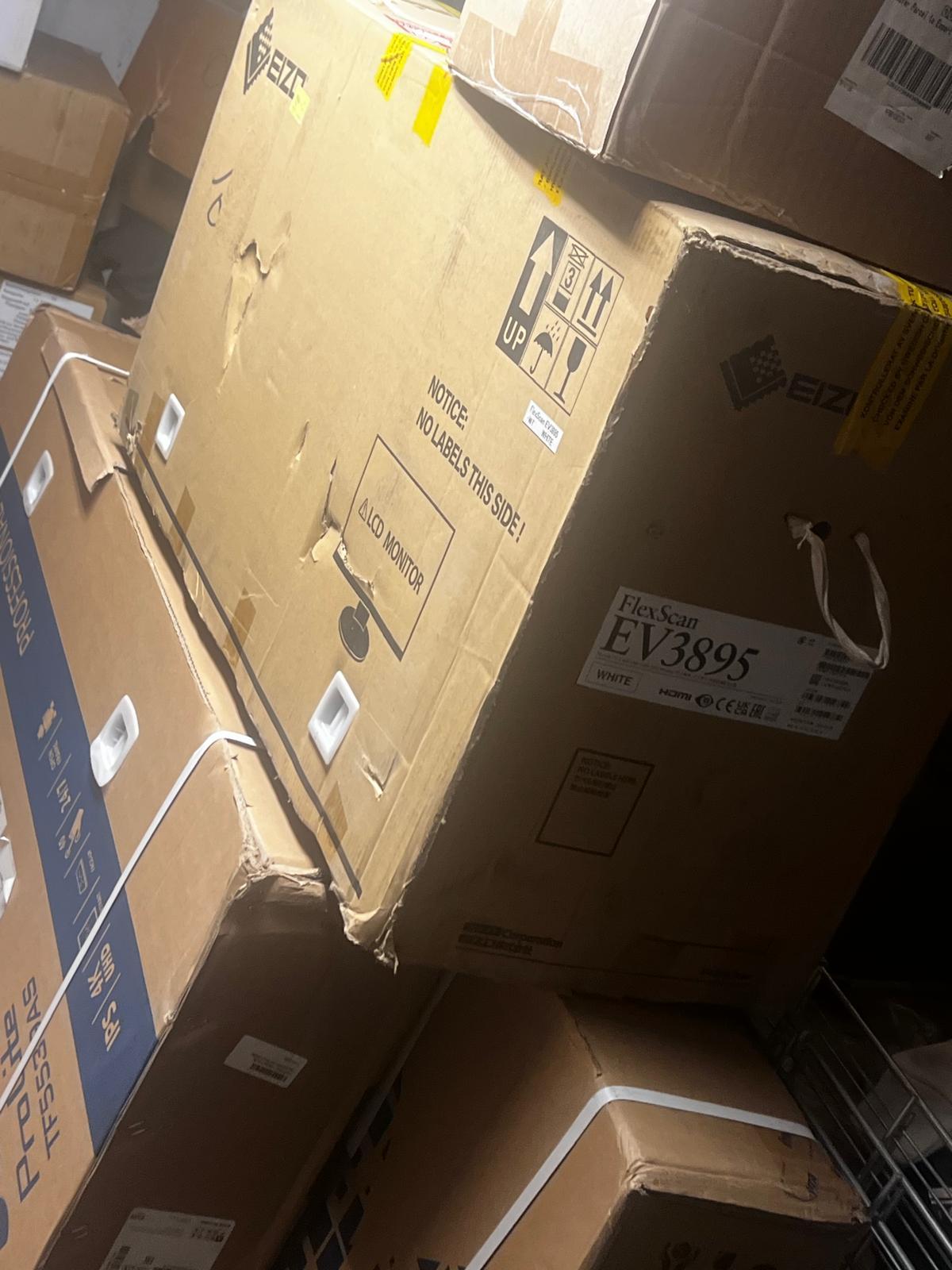
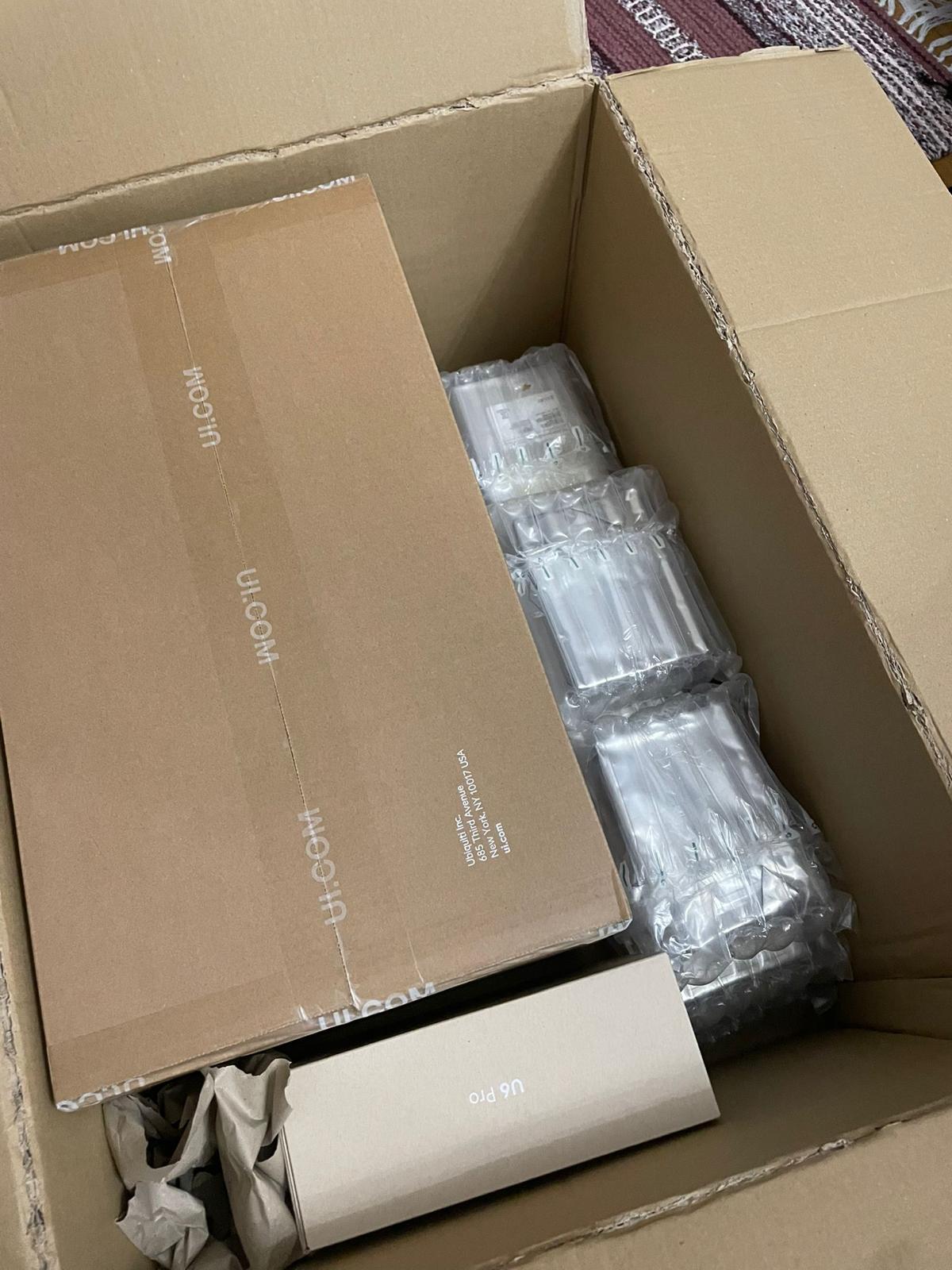
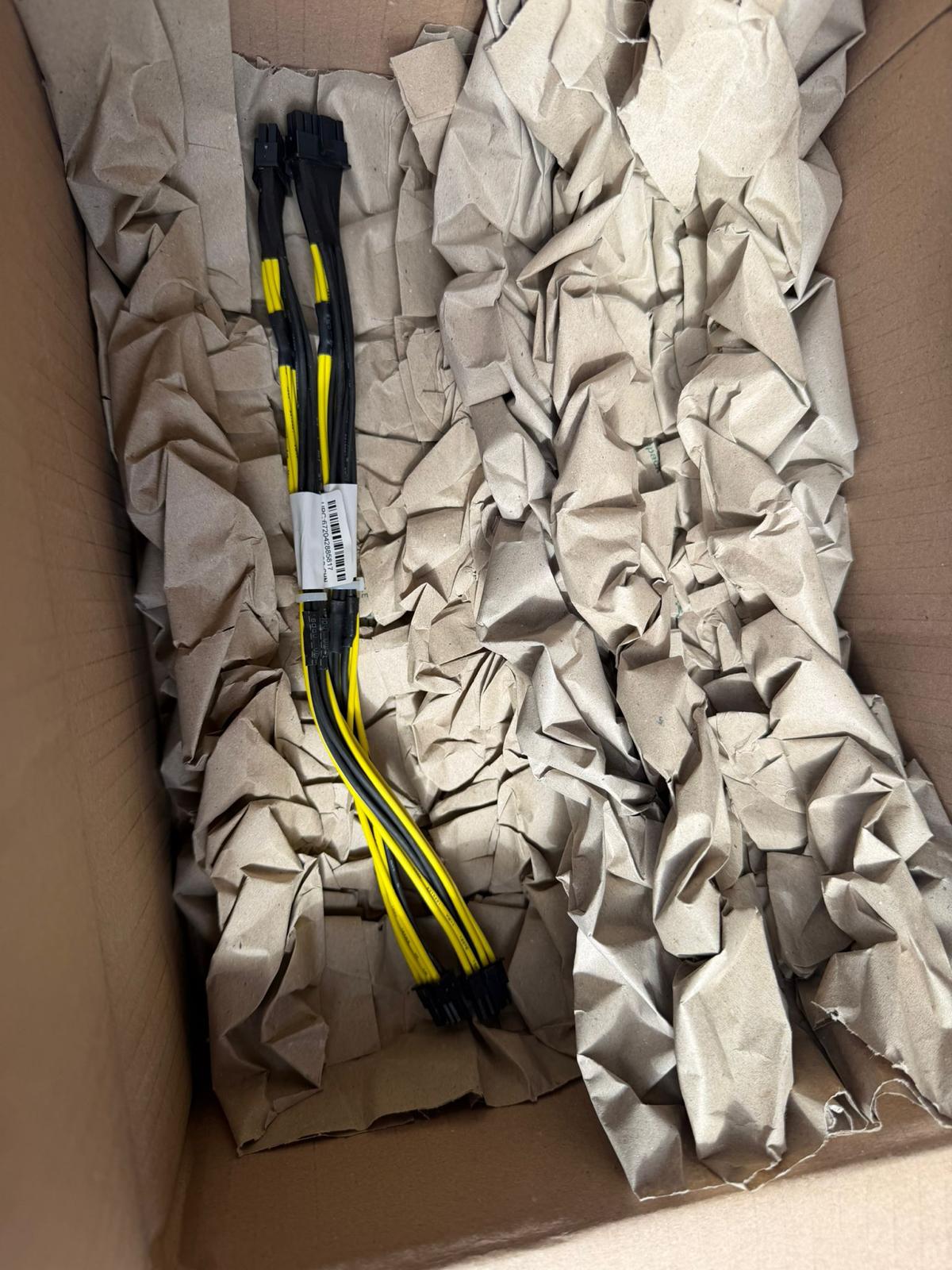
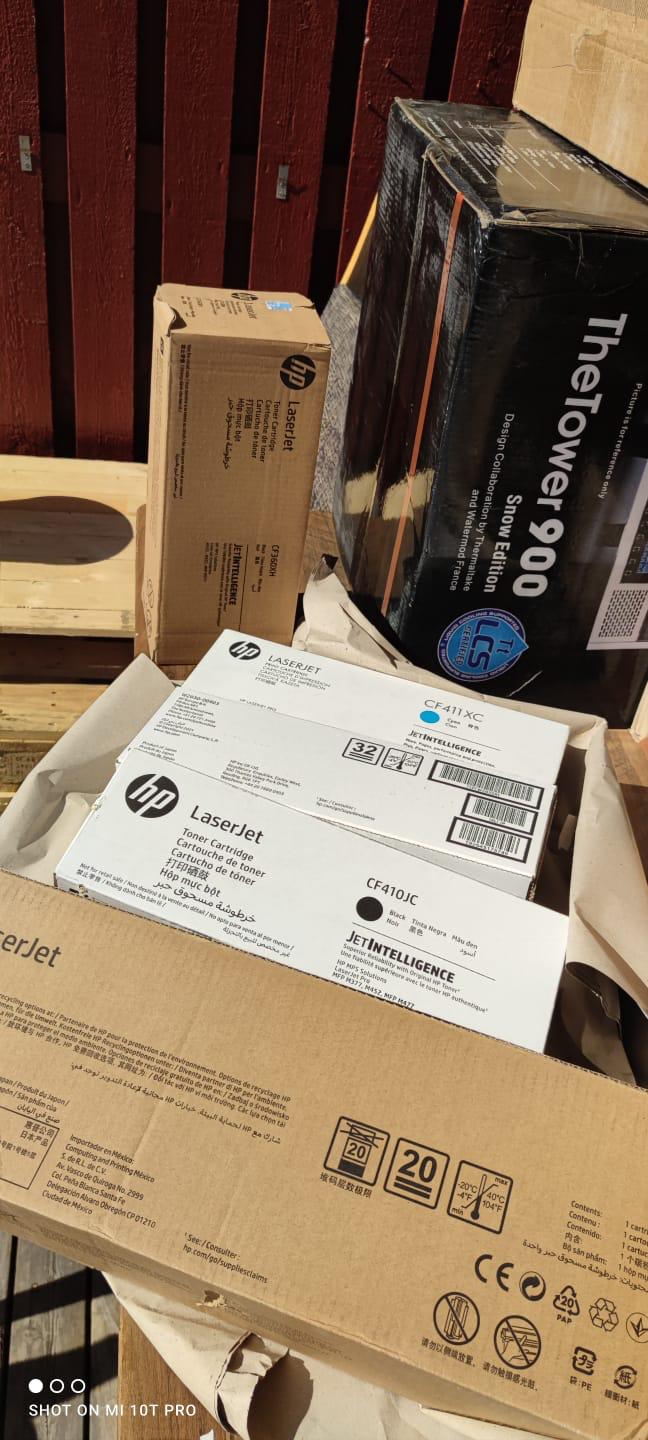
Every day, technology moves through our operation — received, checked, prepared and dispatched to customers. The images below show real equipment handled through our operation, not stock photography.
Real operations
Technology we actually handle
01
Source
Global supply
02
Receive
Goods arrive
03
Prepare
Process & pack
04
Dispatch
On the way