

StarTech 4 Port VGA USB KVM Switch w/Hub SV431USB
15pol. (VGA)
Brand: StarTech.com
SKU: SV431USB
$167.88
Price as listed. Shipping charges calculated at checkout.
In stock

Do you have any question about this product or its specs? Want to know more? Click here to contact our pre-sales consultant and make the right purchase.
 NOTE: The information below is provided for your convenience only; the accuracy of the specifications cannot be guaranteed. However, if necessary, please check with us before purchasing. Data provided by 1 World Sync.
General
Keyboard port type
USB
Mouse port type
USB
Video port type
VGA
Maximum resolution
1920 x 1440 pixels
Scan interval
3,8,15,30 s
Number of users
1 user(s)
Product colour
Black
Rack capacity
1U
Housing material
Steel
AC input voltage
110-240 V
Input current
0.4 A
Output voltage
5 V
Width
130 mm
Depth
220 mm
Height
44 mm
StarTech.com 4 Port Professional VGA USB KVM Switch with Hub. Keyboard port type: USB, Mouse port type: USB, Video port type: VGA. Maximum resolution: 1920 x 1440 pixels, Scan interval: 3,8,15,30 s, Number of users: 1 user(s). Product colour: Black, Rack capacity: 1U, Housing material: Steel. AC input voltage: 110-240 V, Input current: 0.4 A, Output voltage: 5 V. Width: 130 mm, Depth: 220 mm, Height: 44 mm
| Estimate Gross Weight | 1.3 |
|---|
https://se.startech.com/product/SV431USB
Control up to 4 PC or Mac computers from a single keyboard, mouse and monitor and share any USB device between all connected computers
The SV431USB 4 Port rack mountable VGA USB KVM Switch with Hub offers simple control of up to four computers from a single monitor/display and USB peripheral set (keyboard, mouse).
The USB KVM switch features an integrated 4 port USB hub, allowing you to share connected USB peripherals between the four controlled PC/Mac computers as though the devices were connected directly.
Offering convenient placement and installation options, the KVM switch features a 1U rack-mountable form factor and rear port connection to master and slave computers, allowing you to make the necessary device connections without disrupting your workspace.
A cross-platform solution, the KVM switch supports high resolution applications at up to 1920x1440 and provides a smooth operating experience when controlling mixed (Windows/Mac OS/Linux) environments.
Backed by a StarTech.com 3 year warranty and free lifetime technical support.
The StarTech.com Advantage
- Integrated USB 2.0 hub allows the user to share USB peripherals eliminating the expense of duplicate devices
- Rugged, solid steel rack-mountable case offers durability even in harsh environments
- Absolutely no software or drivers required providing a completely OS independent KVM solution
Control up to 4 PC or Mac computers from a single keyboard, mouse and monitor and share any USB device between all connected computers
The SV431USB 4 Port rack mountable VGA USB KVM Switch with Hub offers simple control of up to four computers from a single monitor/display and USB peripheral set (keyboard, mouse).
The USB KVM switch features an integrated 4 port USB hub, allowing you to share connected USB peripherals between the four controlled PC/Mac computers as though the devices were connected directly.
Offering convenient placement and installation options, the KVM switch features a 1U rack-mountable form factor and rear port connection to master and slave computers, allowing you to make the necessary device connections without disrupting your workspace.
A cross-platform solution, the KVM switch supports high resolution applications at up to 1920x1440 and provides a smooth operating experience when controlling mixed (Windows/Mac OS/Linux) environments.
Backed by a StarTech.com 3 year warranty and free lifetime technical support.
The StarTech.com Advantage
- Integrated USB 2.0 hub allows the user to share USB peripherals eliminating the expense of duplicate devices
- Rugged, solid steel rack-mountable case offers durability even in harsh environments
- Absolutely no software or drivers required providing a completely OS independent KVM solution
0.0
0 review(s)
Inside NetworkDistri
From our network to yours.
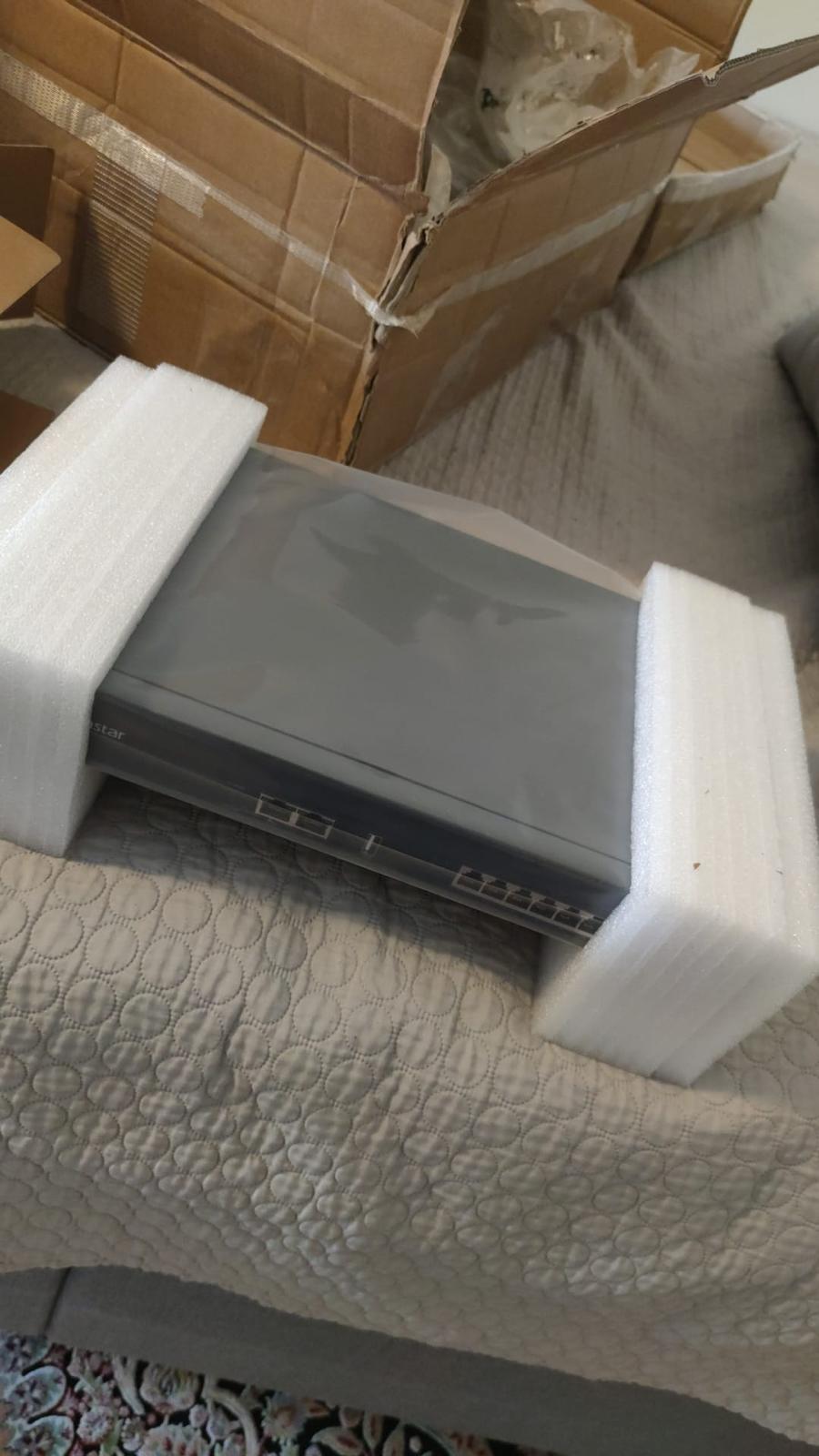
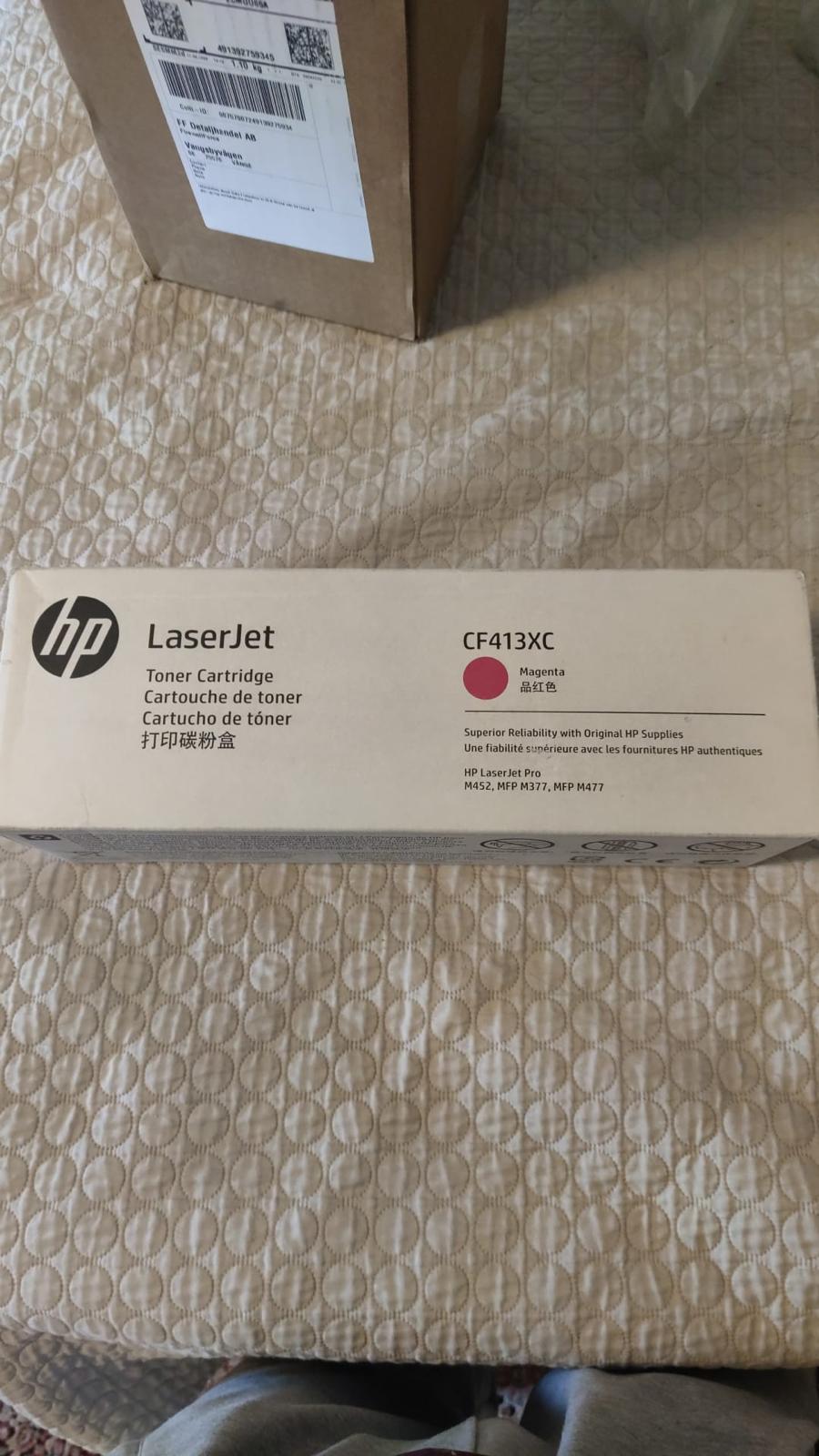
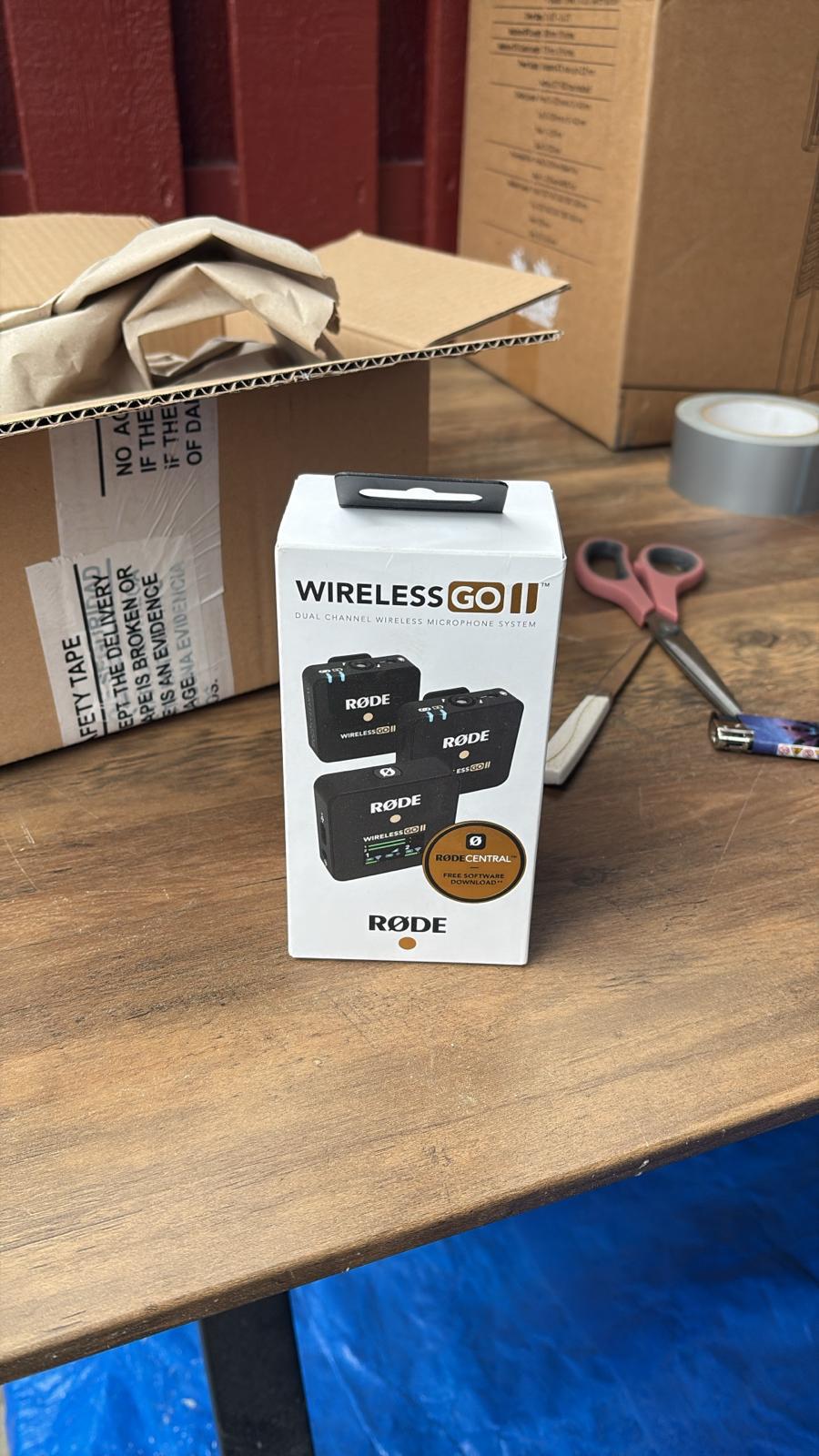
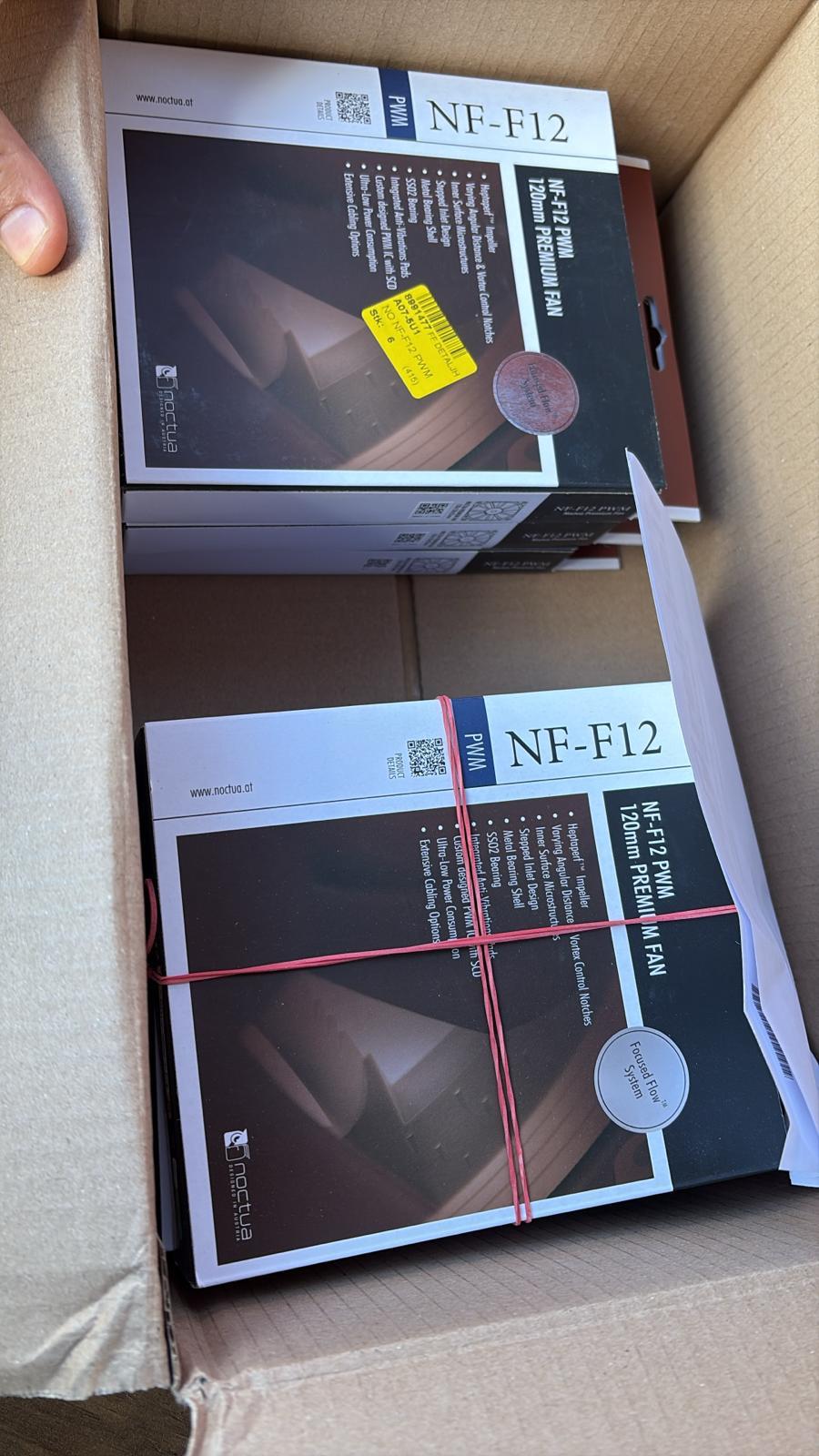
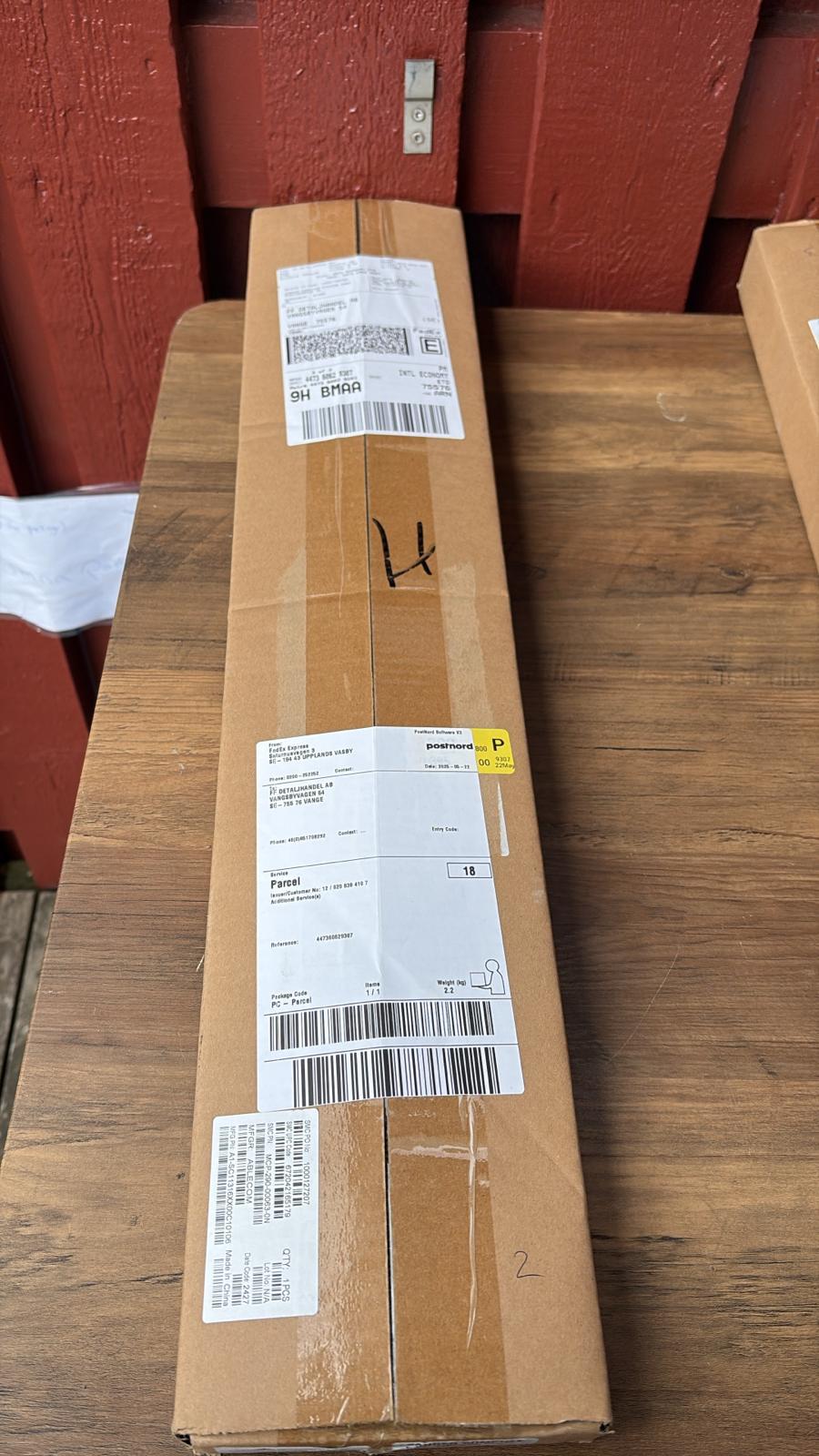
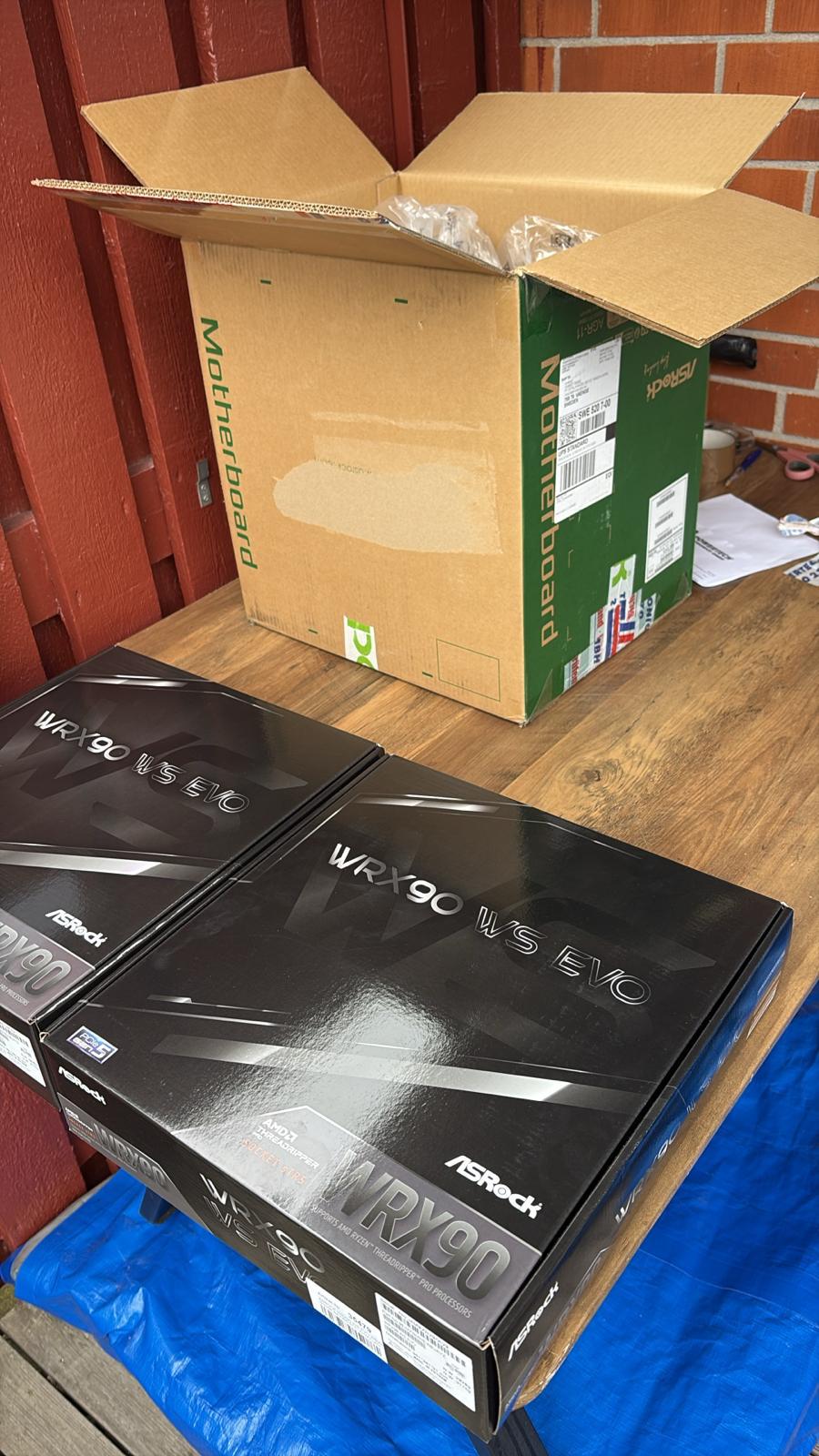
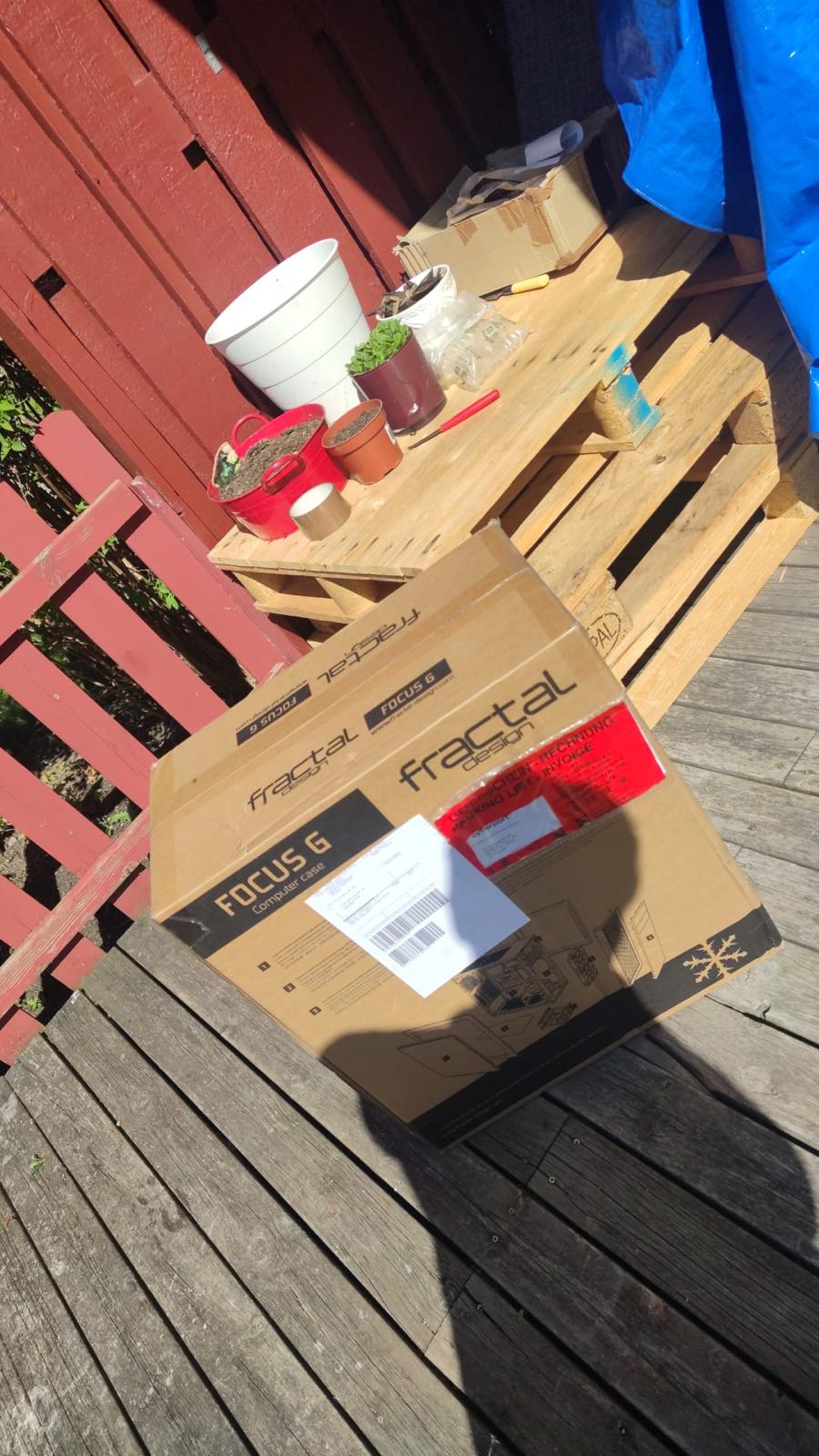
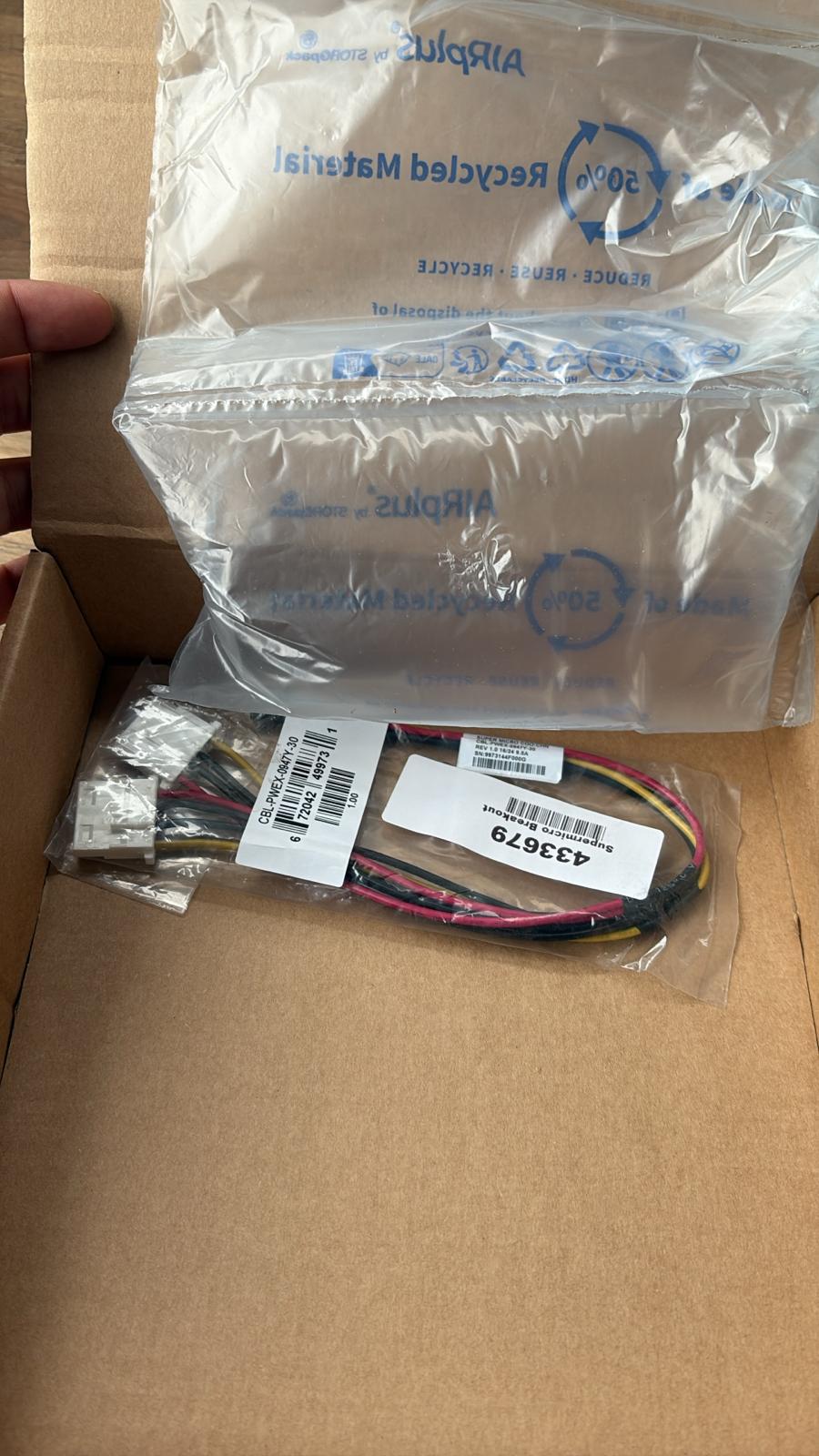
Every day, technology moves through our operation — received, checked, prepared and dispatched to customers. The images below show real equipment handled through our operation, not stock photography.
Real operations
Technology we actually handle
01
Source
Global supply
02
Receive
Goods arrive
03
Prepare
Process & pack
04
Dispatch
On the way