

Verbatim Store 'n' Save - Hard Drive - 4 TB
HDD - Serial ATA - 3.5" - 4000 GB - SATA - USB 3.0 - External - 8 MB - Backup
Brand: Verbatim
SKU: 47685
$217.05
Price as listed. Shipping charges calculated at checkout.
In stock

Do you have any question about this product or its specs? Want to know more? Click here to contact our pre-sales consultant and make the right purchase.
 NOTE: The information below is provided for your convenience only; the accuracy of the specifications cannot be guaranteed. However, if necessary, please check with us before purchasing. Data provided by 1 World Sync.
General
HDD capacity
4000 GB
USB version
3.2 Gen 1 (3.1 Gen 1)
Product colour
Black
Verbatim Store 'n' Save 4TB USB 3.0. HDD capacity: 4000 GB. USB version: 3.2 Gen 1 (3.1 Gen 1). Product colour: Black
| Estimate Gross Weight | 1.31 |
|---|
https://www.verbatim-europe.co.uk/en/prod/verbatim-store-n-save-4tb-usb-30-47685/
The Verbatim Store 'n' Save USB 3.0 desktop hard drive features high performance storage using a USB 3.0 ΓÇ£SuperSpeedΓÇ¥ interface. USB 3.0 offers up to 10 times faster data transfer rates than USB 2.0 (based on USB bus speed) providing ultra fast data transfer on the go.
Store 'n' Save can be placed flat or on its side to help create more space on your desktop. When you switch on Store 'n' Save the Verbatim Welcome screen will appear * giving shortcuts to the software, user manuals, support information and the directory of your drive (* dependent on PC OS running)
USB 3.0 is 100% compatible with USB 2.0
Drives that are 2TB or under are formatted in FAT32 allowing them to operate immediately on Windows and Mac OSx. Drives above 2TB are formatted in NTFS which is compatible for Windows systems but require Mac users to reformat the drive to HFS+ to make them fully compatible with Mac OSx operating systems. HFS+ formatting can be applied by using the Verbatim VHD Formatter which is on the drive.
The drive comes loaded with Nero Backup software* that can help you schedule, compress and encrypt your backup and ensure that you never lose important files.
Verbatim Hard Drives also come with Green Button energy saving software. Green Button software suspends the hard drive from spinning while not in use increasing efficiency and saving energy.
There are 3 'Sleep Setting' options. Set the suspend mode to come in after 10 minutes of use, or by increments of 10 minutes up to 120 minutes. Set the drive to suspend immediately by double clicking the Green Button icon on the desktop, alternatively you can set the drive to 'Never Suspend the disk'.
* not compatible with Mac OS.
The Verbatim Store 'n' Save USB 3.0 desktop hard drive features high performance storage using a USB 3.0 ΓÇ£SuperSpeedΓÇ¥ interface. USB 3.0 offers up to 10 times faster data transfer rates than USB 2.0 (based on USB bus speed) providing ultra fast data transfer on the go.
Store 'n' Save can be placed flat or on its side to help create more space on your desktop. When you switch on Store 'n' Save the Verbatim Welcome screen will appear * giving shortcuts to the software, user manuals, support information and the directory of your drive (* dependent on PC OS running)
USB 3.0 is 100% compatible with USB 2.0
Drives that are 2TB or under are formatted in FAT32 allowing them to operate immediately on Windows and Mac OSx. Drives above 2TB are formatted in NTFS which is compatible for Windows systems but require Mac users to reformat the drive to HFS+ to make them fully compatible with Mac OSx operating systems. HFS+ formatting can be applied by using the Verbatim VHD Formatter which is on the drive.
The drive comes loaded with Nero Backup software* that can help you schedule, compress and encrypt your backup and ensure that you never lose important files.
Verbatim Hard Drives also come with Green Button energy saving software. Green Button software suspends the hard drive from spinning while not in use increasing efficiency and saving energy.
There are 3 'Sleep Setting' options. Set the suspend mode to come in after 10 minutes of use, or by increments of 10 minutes up to 120 minutes. Set the drive to suspend immediately by double clicking the Green Button icon on the desktop, alternatively you can set the drive to 'Never Suspend the disk'.
* not compatible with Mac OS.
0.0
0 review(s)
Inside NetworkDistri
From our network to yours.
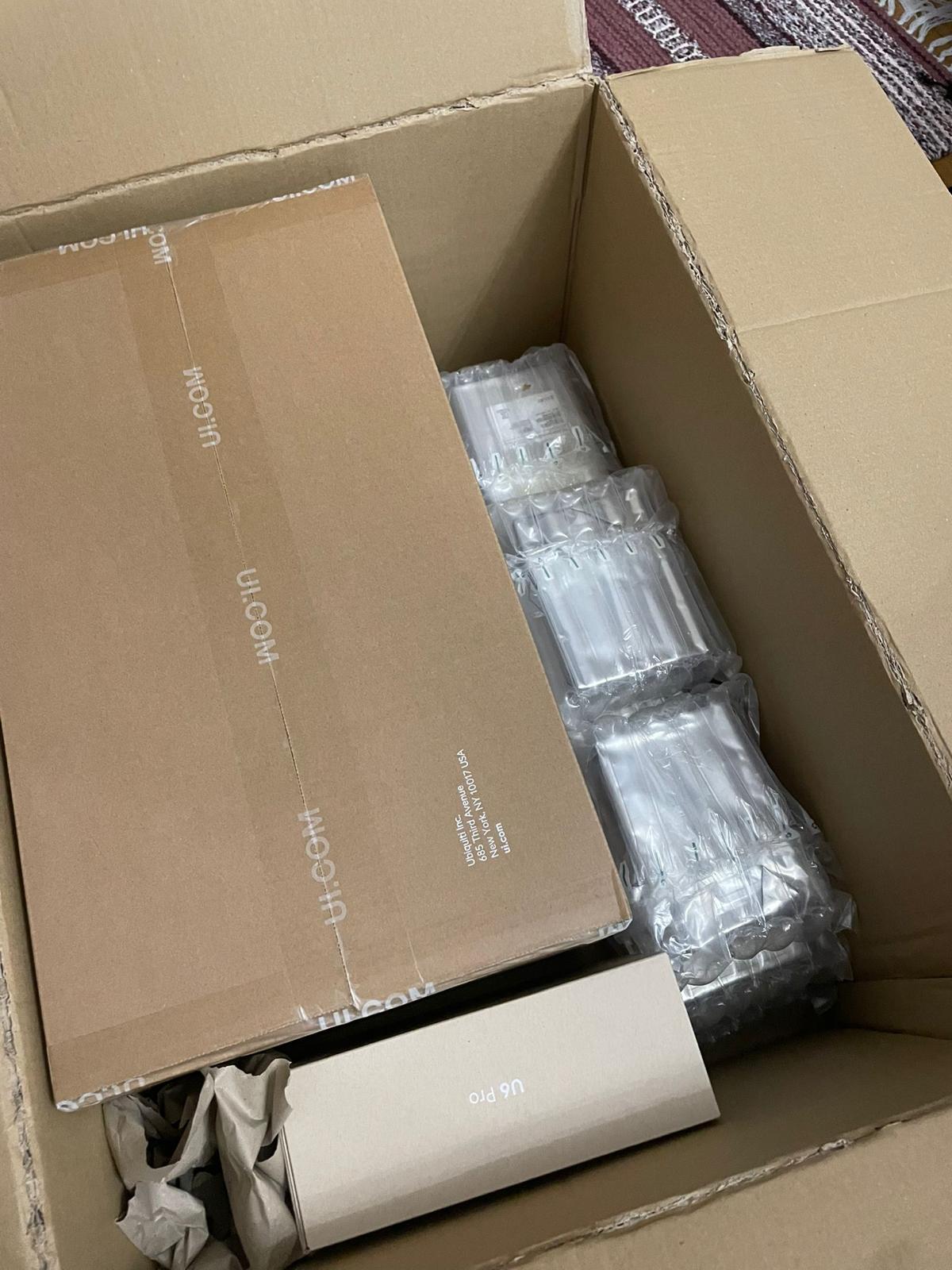
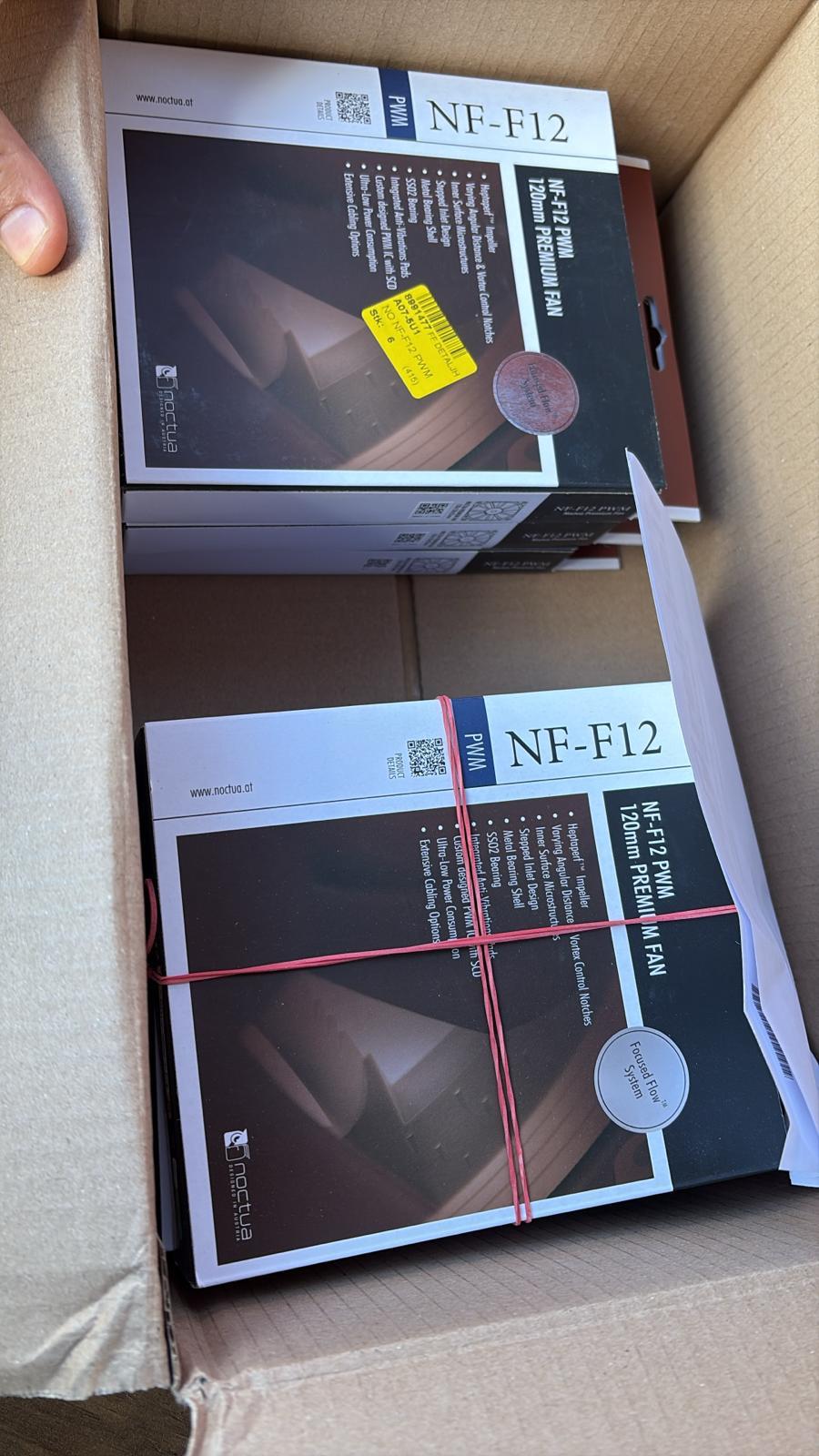
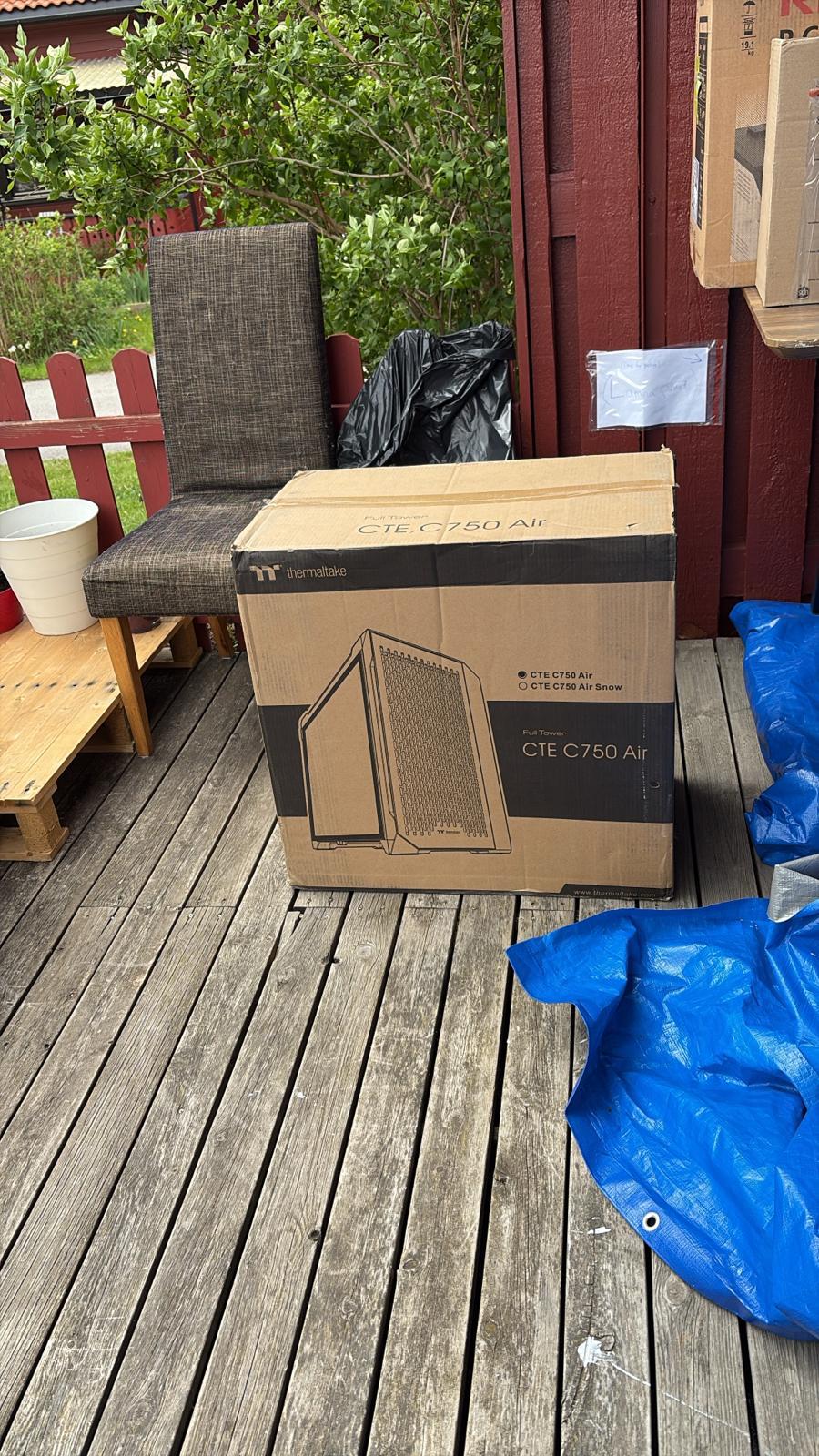
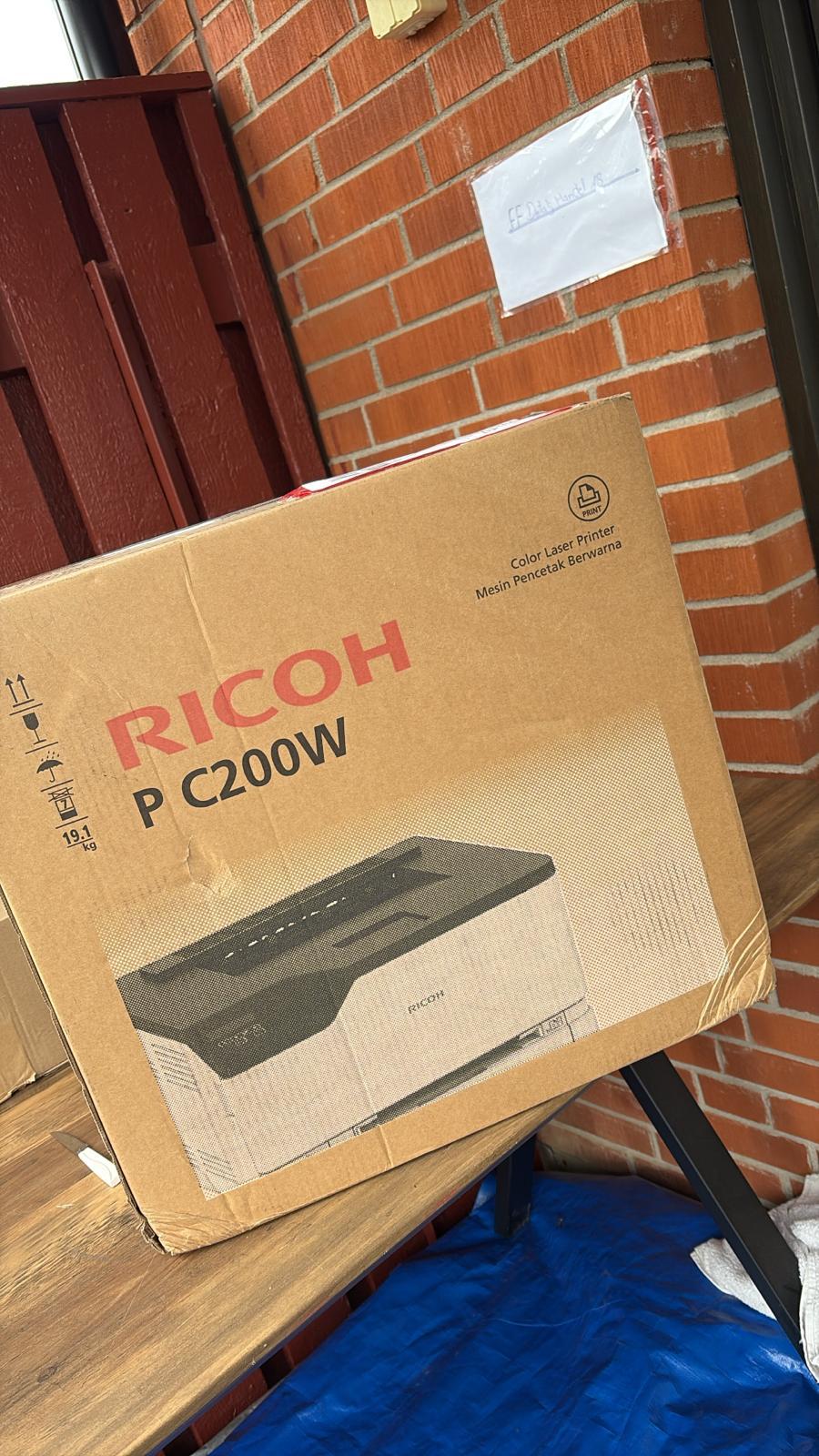
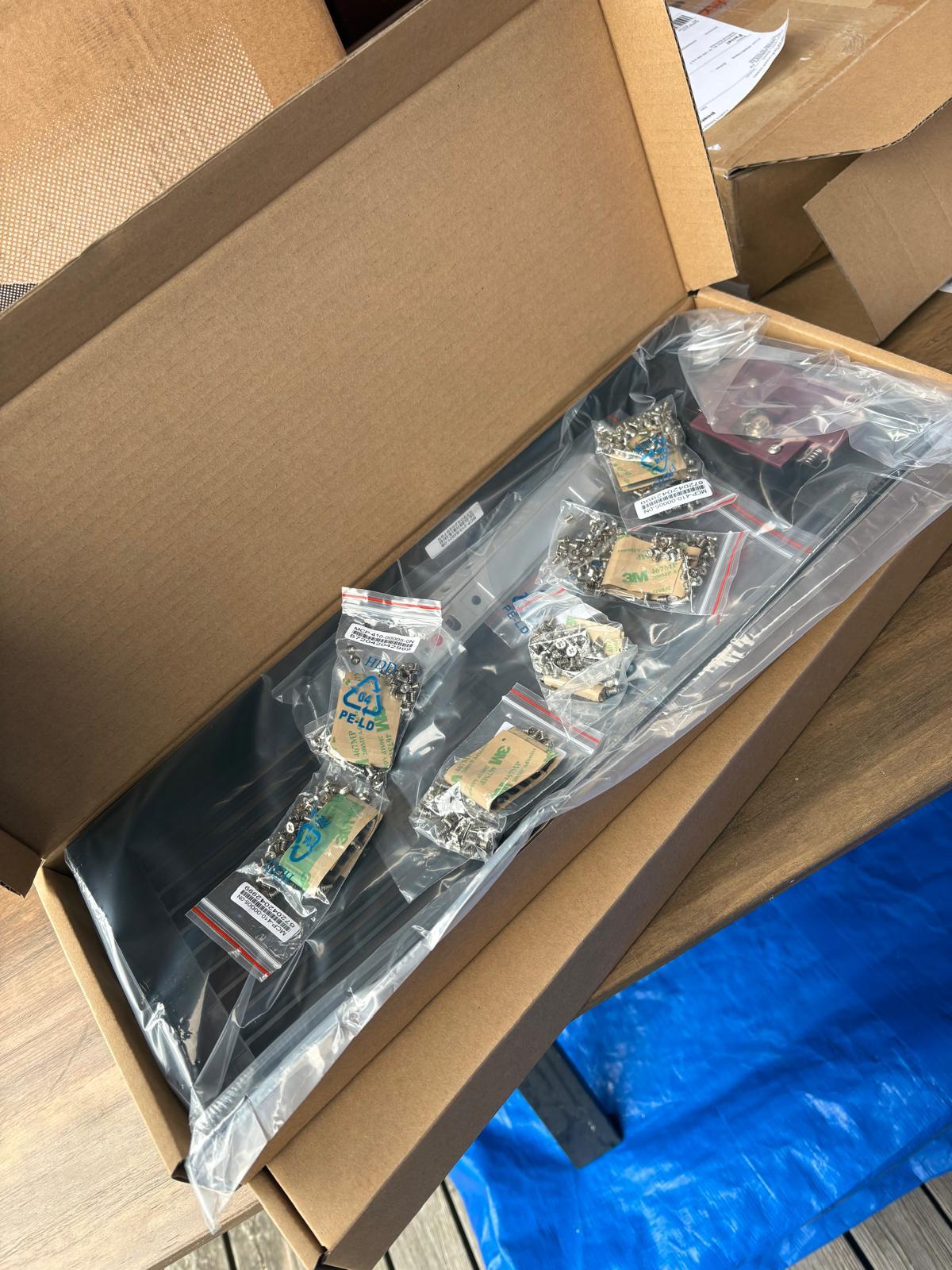
Every day, technology moves through our operation — received, checked, prepared and dispatched to customers. The images below show real equipment handled through our operation, not stock photography.
Real operations
Technology we actually handle
01
Source
Global supply
02
Receive
Goods arrive
03
Prepare
Process & pack
04
Dispatch
On the way