
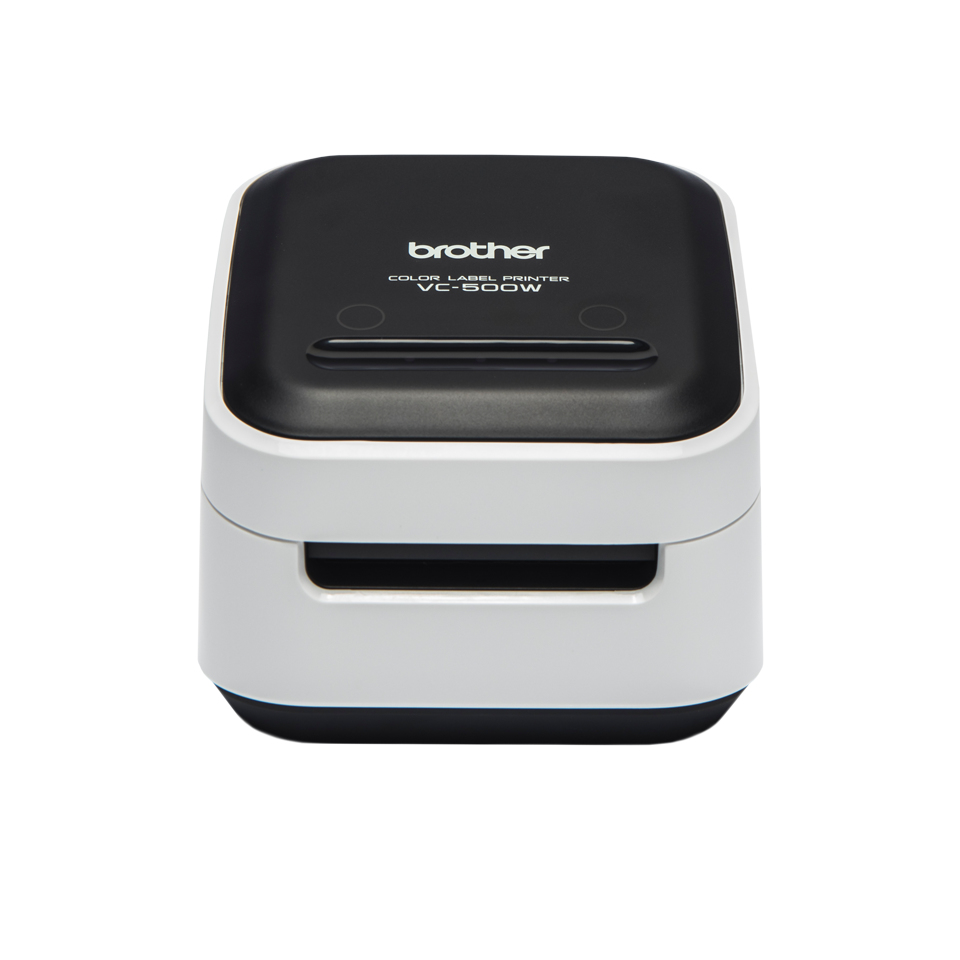
Brother VC-500W - Label printer
Color - 313 dpi - 128 MB - USB 2.0 - WLAN - CE - color direct thermal roller (5 cm) 313 dpi up to 8 mm/sec (mono) / up to 8 mm/sec (color) USB 2.0 Wi-Fi( n) cutter
Brand: Brother
SKU: VC500WZ1
$227.88
Price as listed. Shipping charges calculated at checkout.
In stock

Do you have any question about this product or its specs? Want to know more? Click here to contact our pre-sales consultant and make the right purchase.
 NOTE: The information below is provided for your convenience only; the accuracy of the specifications cannot be guaranteed. However, if necessary, please check with us before purchasing. Data provided by 1 World Sync.
General
Tape type
CZ
Print technology
ZINK (Zero-Ink)
Maximum resolution
313 x 313 DPI
Print speed
8 mm/sec
Supported paper width
9, 12, 19, 25, 50 mm
Product colour
Black, Grey
Brother VC-500W. Band Type: CZ. Printing technology: ZINK (Zero-Ink), Maximum resolution: 313 x 313 DPI, Printing speed: 8 mm/sec. Supported paper width: 9, 12, 19, 25, 50 mm. Product colour: Black, Grey
| Estimate Gross Weight | 0.66 |
|---|
https://www.brother.com
PC and Mac
P-touch Editor label design software gives you powerful editing tools to create the ideal label for your workplace.
- Available as a free download from Brother.
- Include images such as a photo or a company logo.
- Hundreds of built-in clipart, symbols and frames to choose from.
- Link to text contained in an Excel or .csv file to easily print multiple labels with variable information.
Android and iOS
Brother Color Label Editor connects to the VC-500W using your Wi-Fi connection in your smartphone or tablet.
- Available as a free download from the Apple App Store or Google Play Store.
- Include images such as a photo or a company logo.
- Lots of colourful backgrounds, clipart, frames and fonts to choose from.
- Create, edit and print bright, colourful labels directly from your personal device.
- Supports Apple AirPrint to allow direct printing of photos from your camera roll.
Full colour roll cassettes
Available in 5 different widths, Brother full colour label rolls use ZINK Zero Ink printing technology to produce full colour labels without ink or toner cartridges. Simply slot the required roll into the back of the printer to create labels for many applications all around the office.
- Uses ZINK® Zero-Ink® Printing Technology to produce full colour labels without ink!
- Print labels 9mm to 50mm wide
- USB port to print from PC/Mac
- Wi-Fi connectivity to label from iOS and Android devices
- AirPrint to easily print photos from your iOS device
- Free label design software for Windows and Mac, and app for your smartphone or tablet
0.0
0 review(s)
Inside NetworkDistri
From our network to yours.
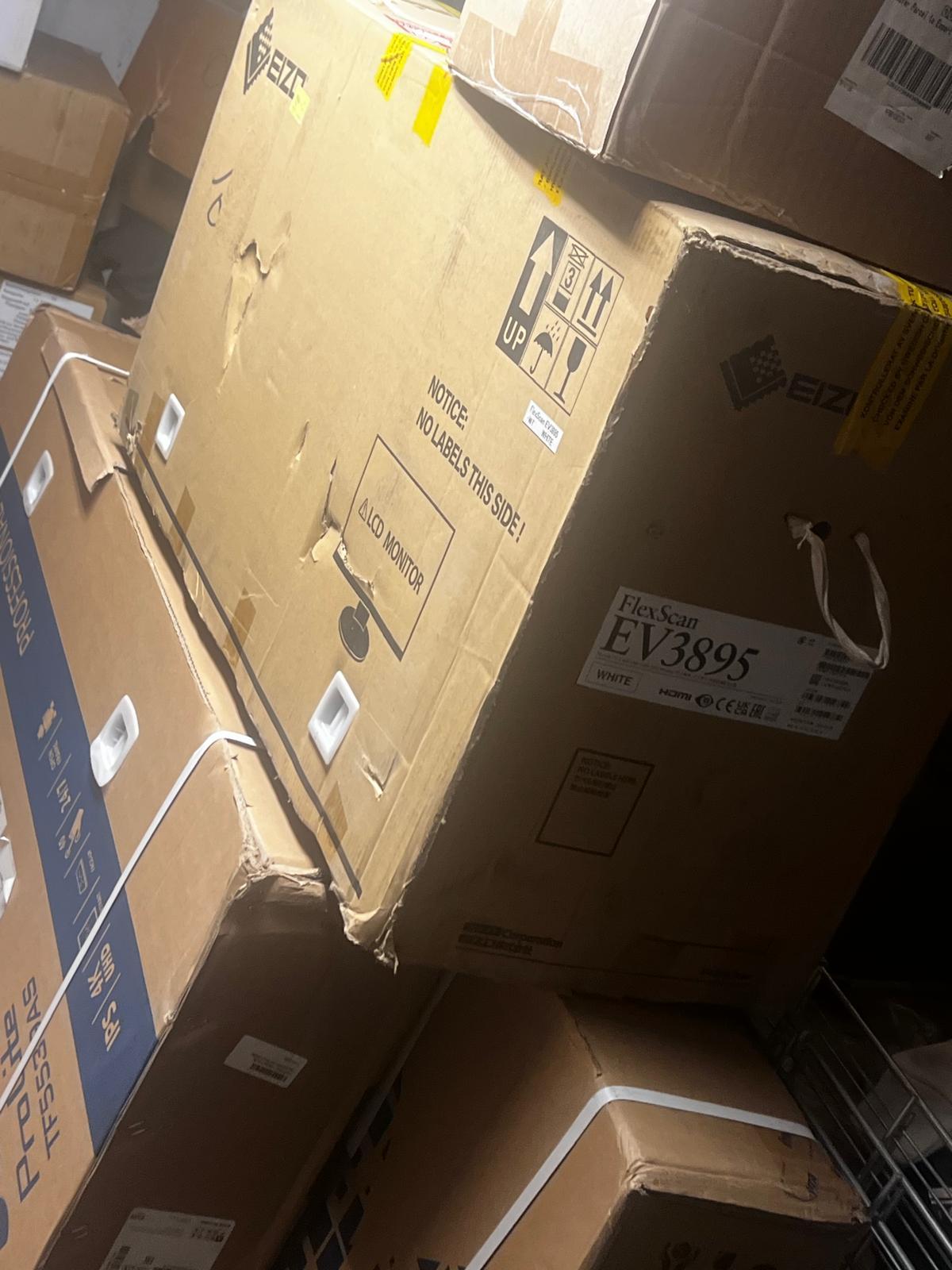
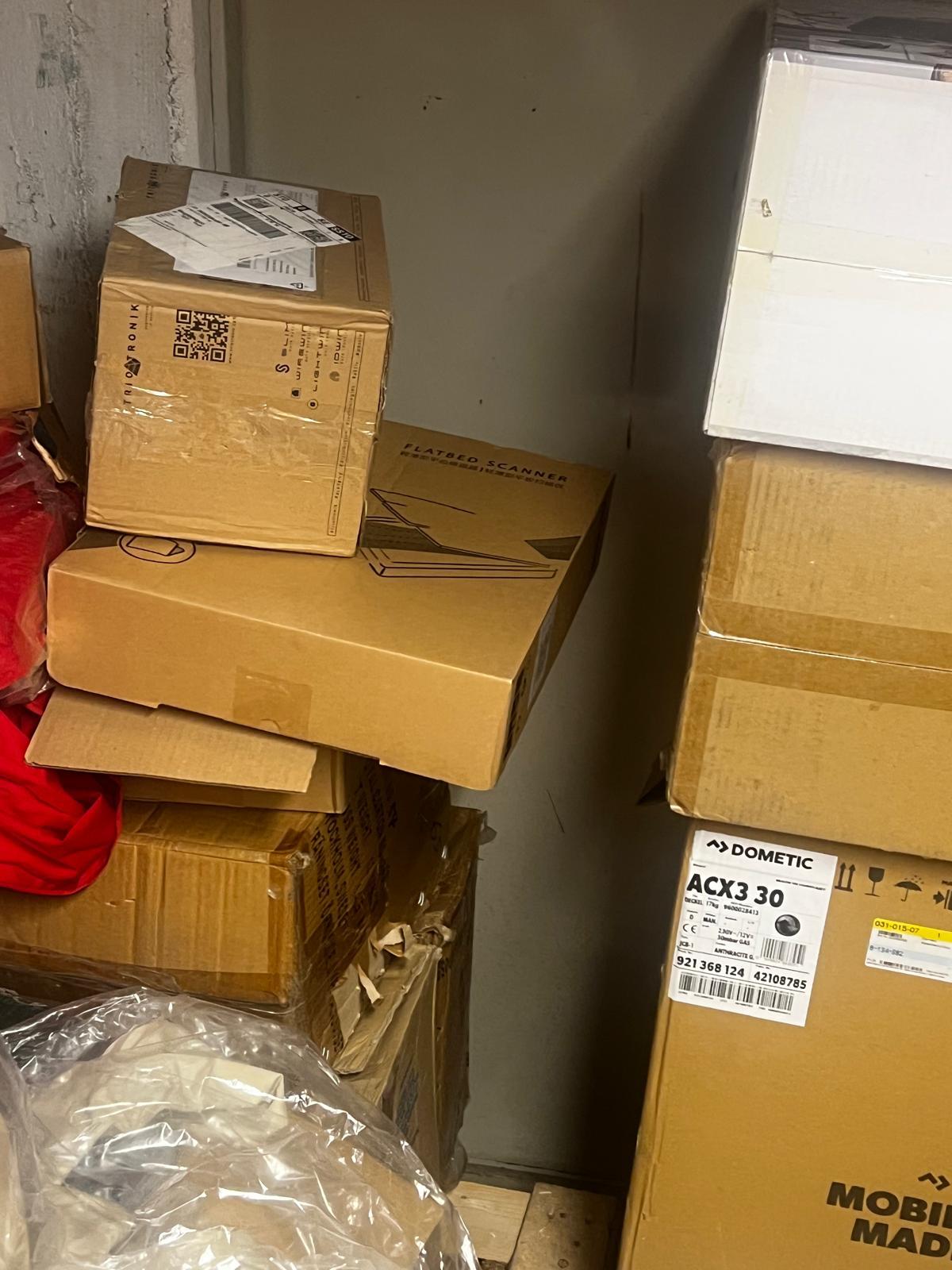
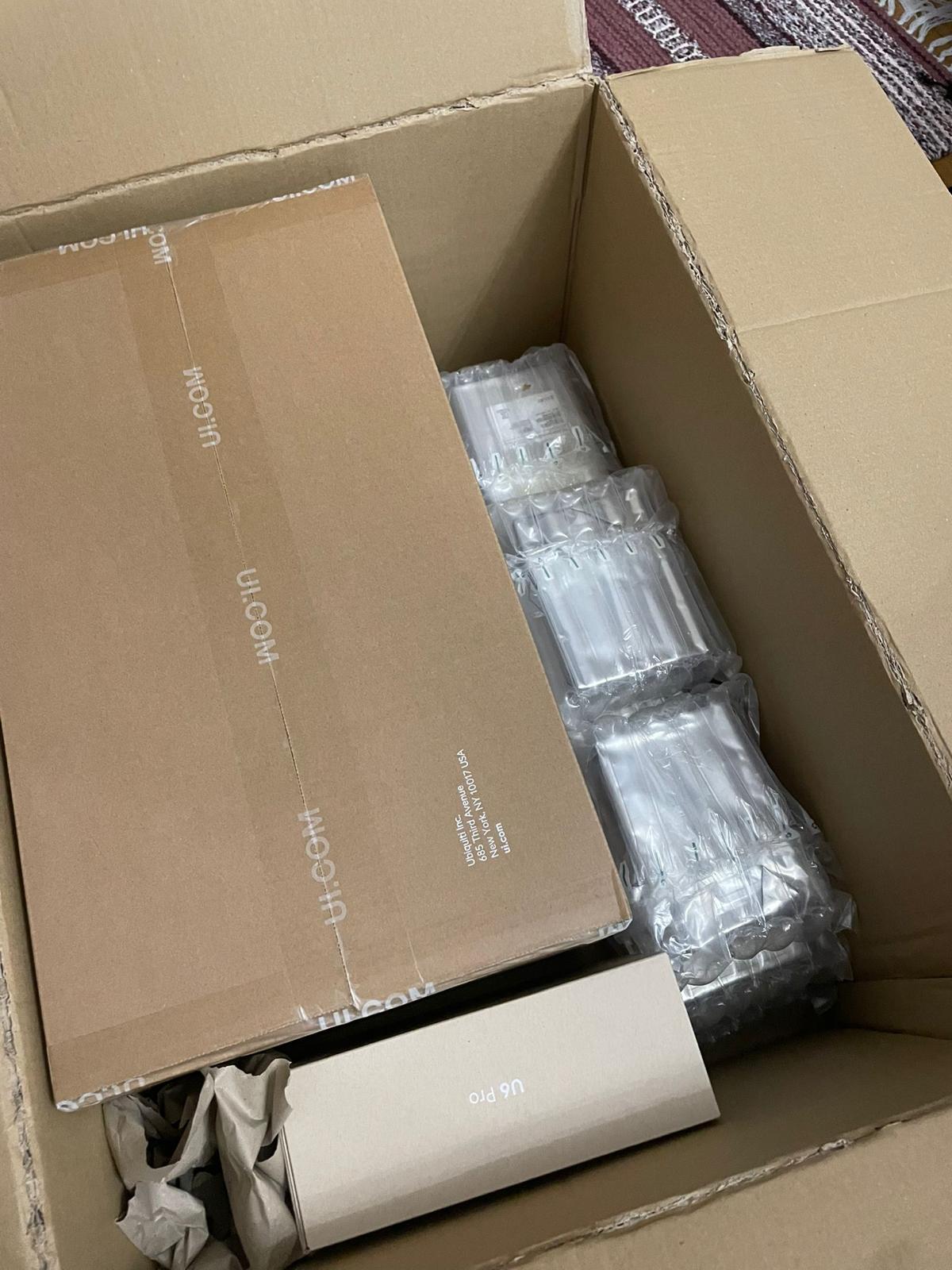
Every day, technology moves through our operation — received, checked, prepared and dispatched to customers. The images below show real equipment handled through our operation, not stock photography.
Real operations
Technology we actually handle
01
Source
Global supply
02
Receive
Goods arrive
03
Prepare
Process & pack
04
Dispatch
On the way