

StarTech 2-Port DisplayPort KVM Switch 4K 60Hz TAA
(SV231DPU34K)
Brand: StarTech.com
SKU: SV231DPU34K
$587.88
Price as listed. Shipping charges calculated at checkout.
In stock

Do you have any question about this product or its specs? Want to know more? Click here to contact our pre-sales consultant and make the right purchase.
 NOTE: The information below is provided for your convenience only; the accuracy of the specifications cannot be guaranteed. However, if necessary, please check with us before purchasing. Data provided by 1 World Sync.
General
Keyboard port type
USB
Mouse port type
USB
Video port type
DisplayPort
HD type
4K Ultra HD
Maximum resolution
3840 x 2160 pixels
Number of users
1 user(s)
Product colour
Black
Housing material
Steel
Mean time between failures (MTBF)
60000 h
AC input voltage
100 - 240 V
Input current
0.6 A
Output voltage
12 V
Width
160 mm
Depth
100 mm
Height
40 mm
StarTech.com 2 Port DisplayPort KVM Switch - 4K 60Hz - Single Display - Dual Port UHD DP 1.2 USB KVM Switch with Integrated USB 3.0 Hub & Audio - Dell HP Apple Lenovo - TAA Compliant. Keyboard port type: USB, Mouse port type: USB, Video port type: DisplayPort. HD type: 4K Ultra HD, Maximum resolution: 3840 x 2160 pixels, Number of users: 1 user(s). Product colour: Black, Housing material: Steel, Mean time between failures (MTBF): 60000 h. AC input voltage: 100 - 240 V, Input current: 0.6 A, Output voltage: 12 V. Width: 160 mm, Depth: 100 mm, Height: 40 mm
| Estimate Gross Weight | 1.04 |
|---|
https://www.startech.com/product/SV231DPU34K
KVM with USB | TAA Compliant | USB 3.0 Hub | DisplayPort 1.2 | Digital & Analog Audio
This 2-port KVM switch combines 4K (60Hz) digital display capabilities with control of two connected computers.
4K60 Picture and Full Audio Support
The DisplayPort KVM switch supports resolutions up to 4K at 60Hz. It drives one large monitor at the full 4K resolution or, using an MST adapter, can drive various DisplayPort multi-display setups totaling 4K if you need to maximize viewing space. With support for digital audio (with supporting displays and sources) and separate 3.5 mm stereo audio, the DisplayPort 1.2 KVM switch delivers full audio compatibility.
Integrated USB Hub
The integrated USB 3.0 hub shares two peripherals (in addition to keyboard and mouse) among attached computers as if they were directly connected to your host computer, eliminating the cost of duplicate devices such as printers and scanners.
Windows, Mac & Linux Compatible
While supporting Windows, this DP KVM switch is also compatible with Mac and Linux operating systems.
Easy to Operate
The front-panel pushbuttons make it easy to switch between systems and activate the auto scan feature. The hotkey functionality makes accessing each system quickly, while a buzzer sound confirms the switch.
StarTech.com offers a wide selection of high-quality KVM switches and KVM-related products to help you access your systems more efficiently without the expense and clutter of extra keyboards, mice, and monitors. This 2-port DisplayPort KVM switch is backed by a 2-year warranty and free lifetime technical support.
The StarTech.com Advantage
- IMPROVE EFFICIENCY: 2 Port DisplayPort KVM Switch with hotkey and manual switching to access 2 computers with DP video and USB 3.0 hub; works with major brands including Dell, HP, and Lenovo
- 4K VIDEO QUALITY: DisplayPort KVM switch supports up to 4K at 60Hz on one large monitor
- Supports MST Passthrough for multiple displays
KVM with USB | TAA Compliant | USB 3.0 Hub | DisplayPort 1.2 | Digital & Analog Audio
This 2-port KVM switch combines 4K (60Hz) digital display capabilities with control of two connected computers.
4K60 Picture and Full Audio Support
The DisplayPort KVM switch supports resolutions up to 4K at 60Hz. It drives one large monitor at the full 4K resolution or, using an MST adapter, can drive various DisplayPort multi-display setups totaling 4K if you need to maximize viewing space. With support for digital audio (with supporting displays and sources) and separate 3.5 mm stereo audio, the DisplayPort 1.2 KVM switch delivers full audio compatibility.
Integrated USB Hub
The integrated USB 3.0 hub shares two peripherals (in addition to keyboard and mouse) among attached computers as if they were directly connected to your host computer, eliminating the cost of duplicate devices such as printers and scanners.
Windows, Mac & Linux Compatible
While supporting Windows, this DP KVM switch is also compatible with Mac and Linux operating systems.
Easy to Operate
The front-panel pushbuttons make it easy to switch between systems and activate the auto scan feature. The hotkey functionality makes accessing each system quickly, while a buzzer sound confirms the switch.
StarTech.com offers a wide selection of high-quality KVM switches and KVM-related products to help you access your systems more efficiently without the expense and clutter of extra keyboards, mice, and monitors. This 2-port DisplayPort KVM switch is backed by a 2-year warranty and free lifetime technical support.
The StarTech.com Advantage
- IMPROVE EFFICIENCY: 2 Port DisplayPort KVM Switch with hotkey and manual switching to access 2 computers with DP video and USB 3.0 hub; works with major brands including Dell, HP, and Lenovo
- 4K VIDEO QUALITY: DisplayPort KVM switch supports up to 4K at 60Hz on one large monitor
- Supports MST Passthrough for multiple displays
- IMPROVE EFFICIENCY: 2 Port DisplayPort KVM Switch with hotkey and manual switching to access 2 computers with DP video and USB 3.0 hub; works with major brands including Dell, HP, and Lenovo
- 4K VIDEO QUALITY: DisplayPort KVM switch supports up to 4K at 60Hz on one large monitor
- Supports MST Passthrough for multiple displays
- TECH SPECS: 2 Port DP 1.2 KVM
- 3840 x 2160 60Hz
- 4K UHD
0.0
0 review(s)
Inside NetworkDistri
From our network to yours.
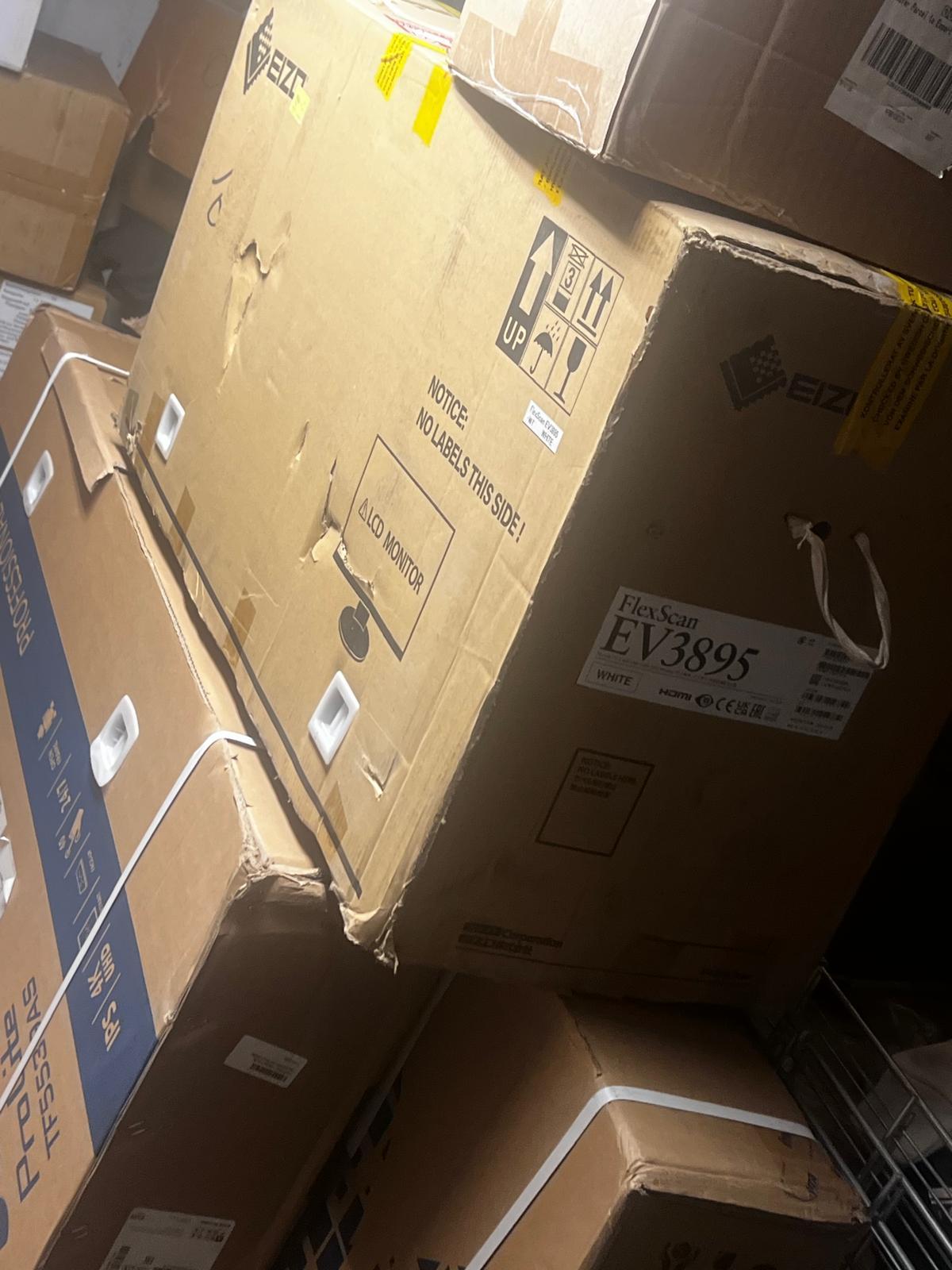
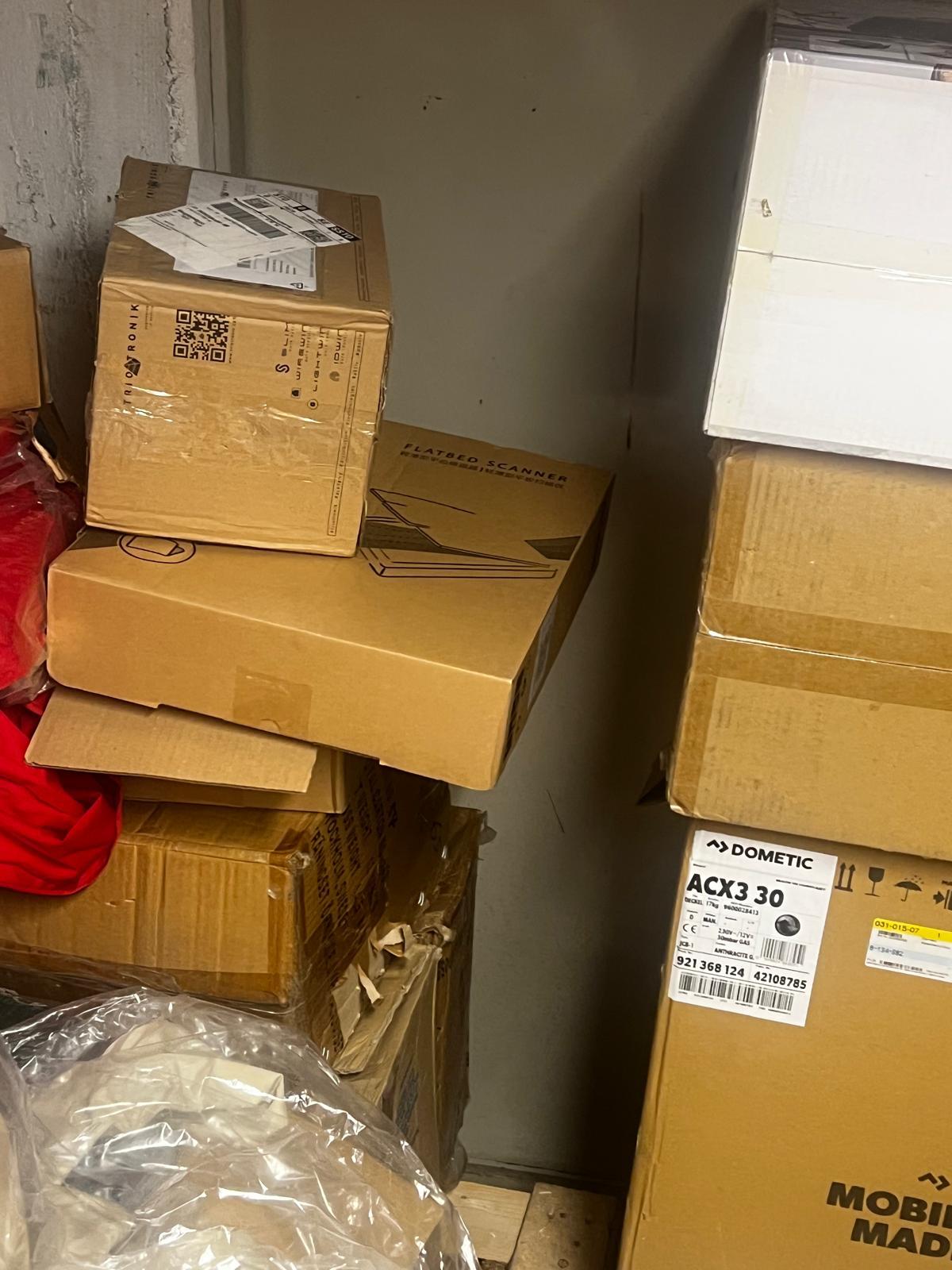
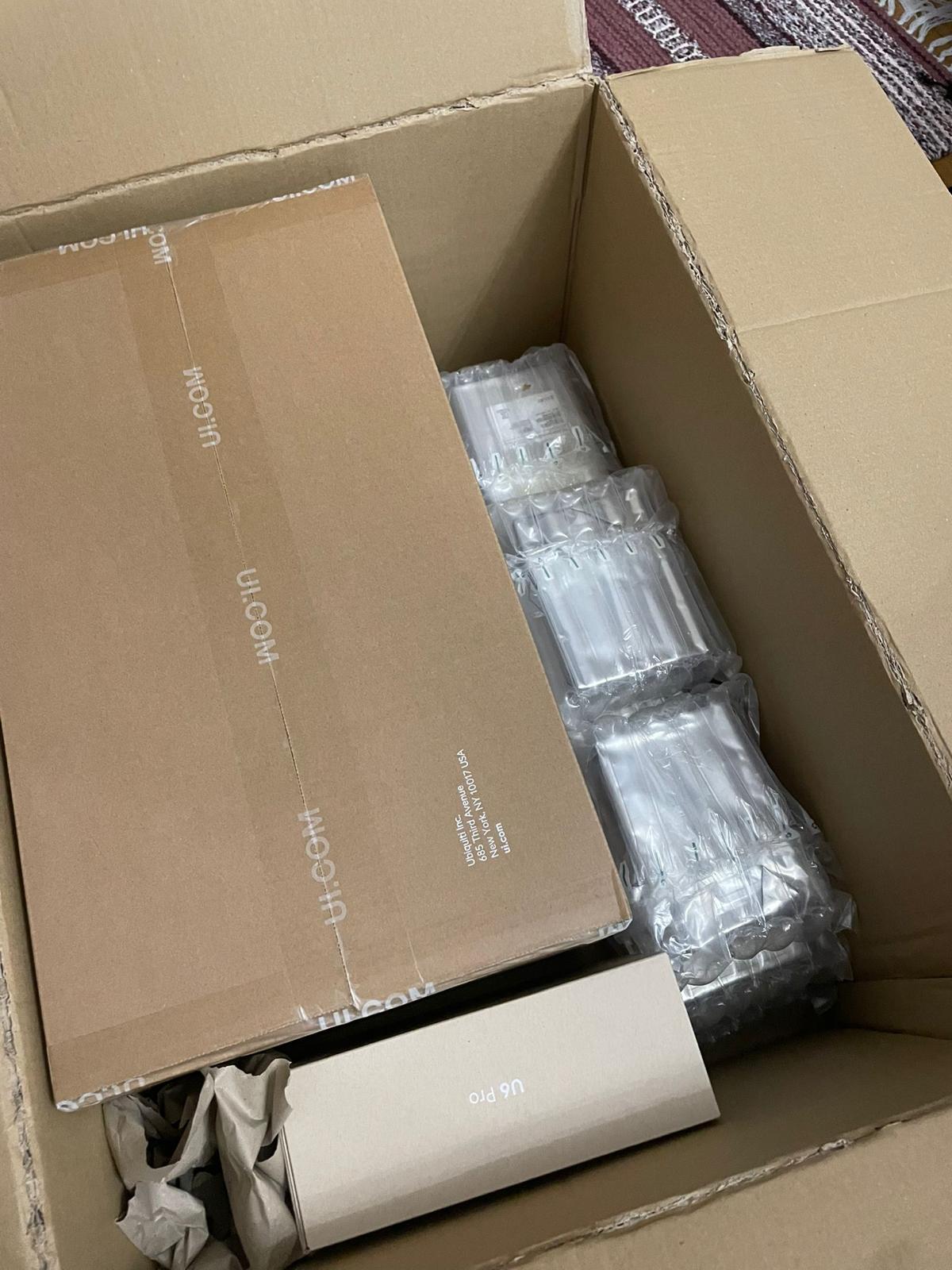
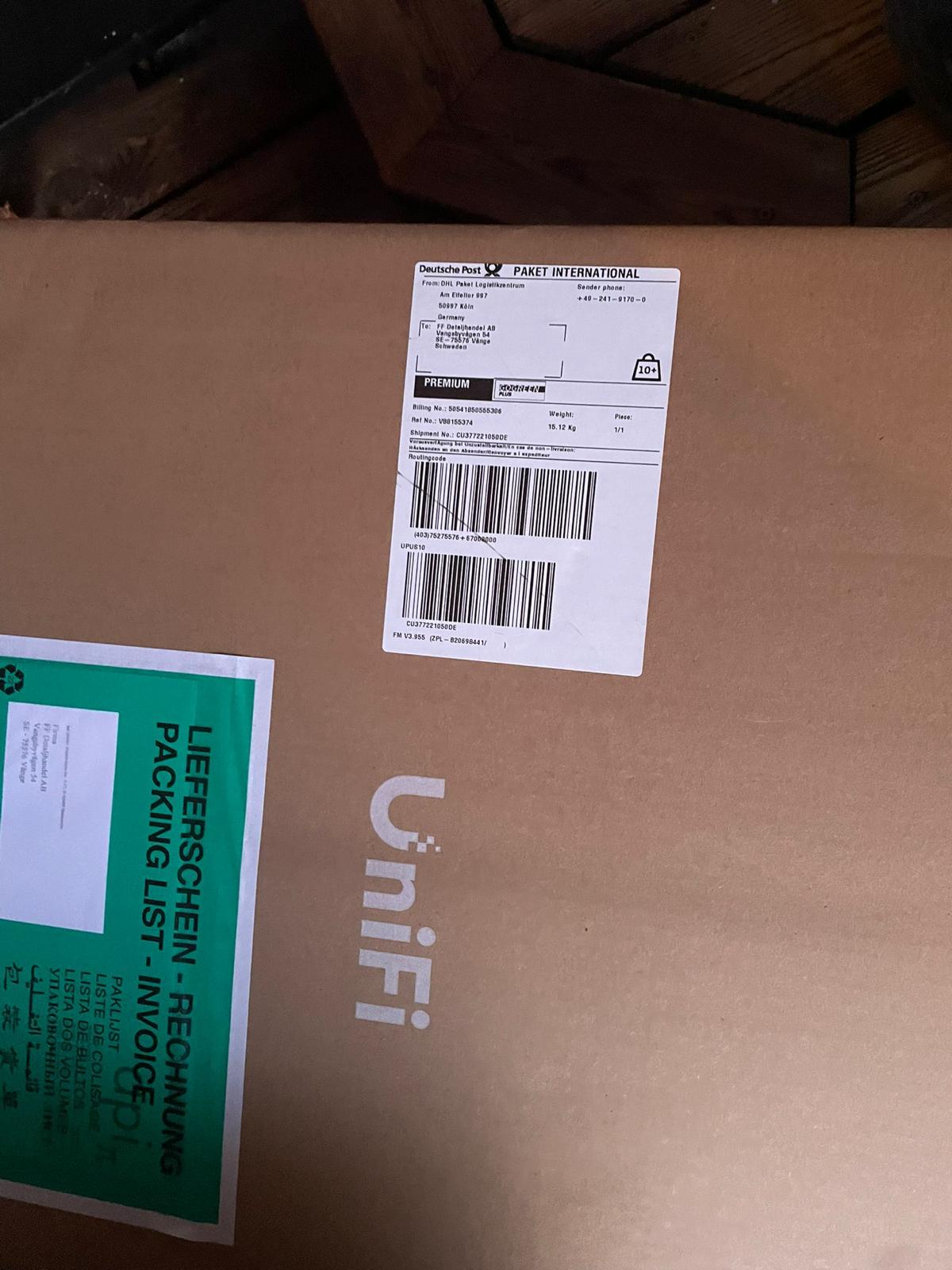
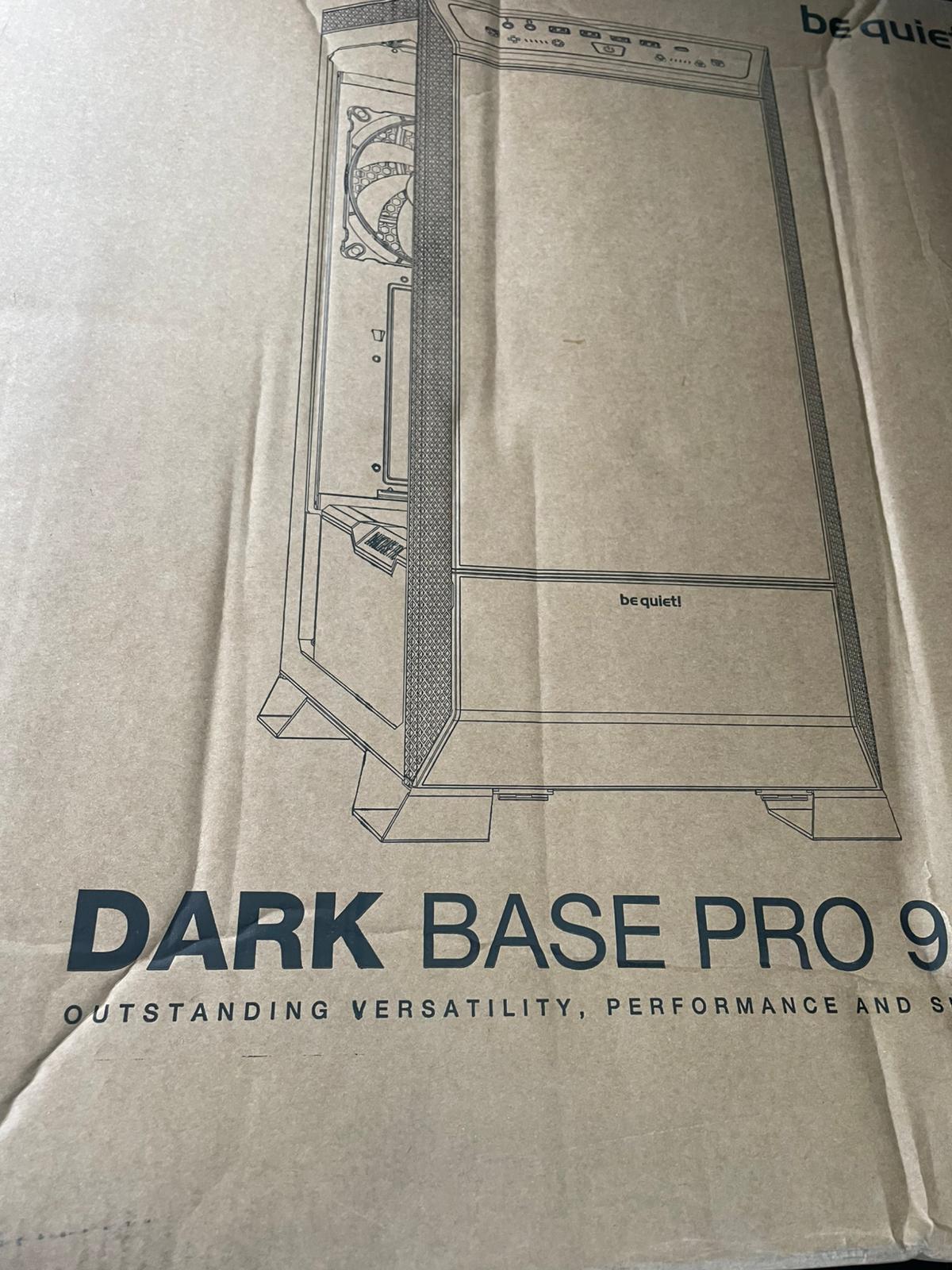
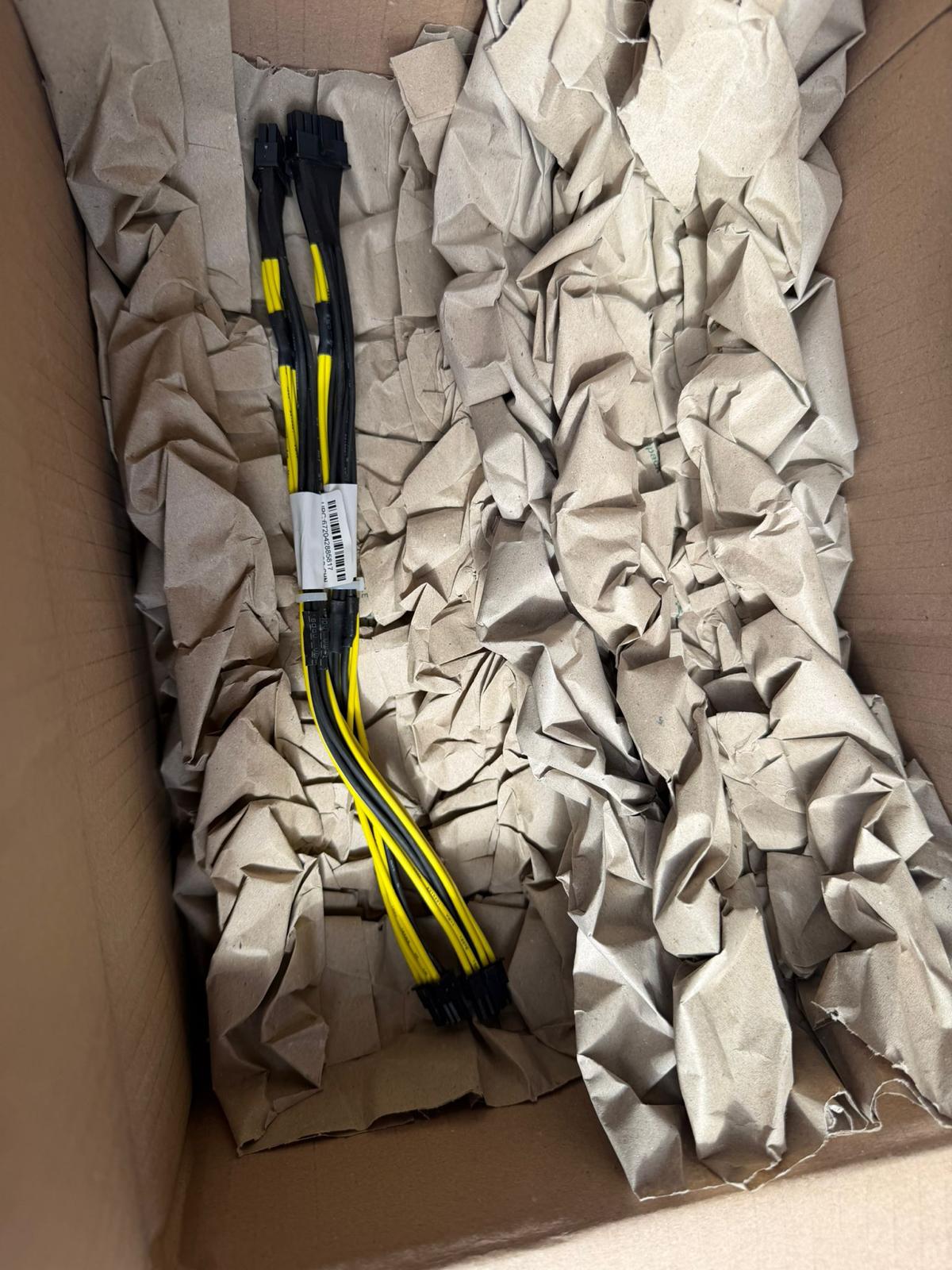
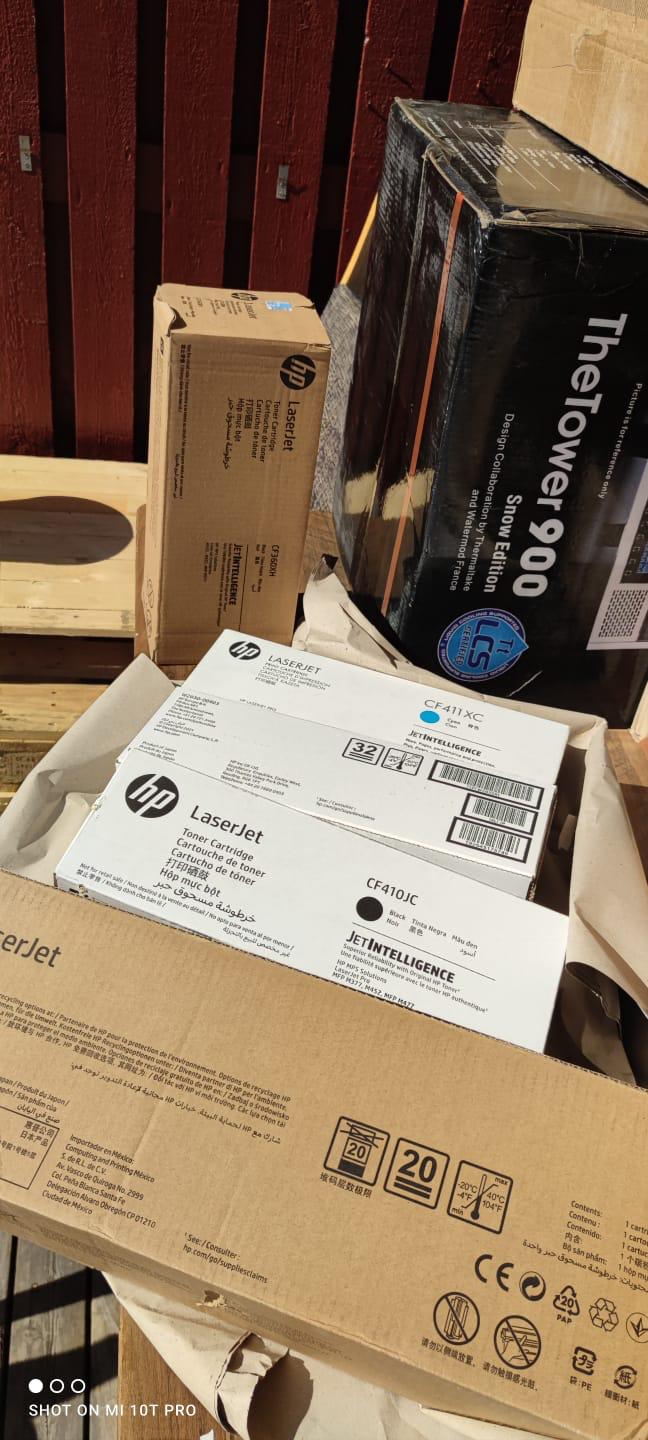
Every day, technology moves through our operation — received, checked, prepared and dispatched to customers. The images below show real equipment handled through our operation, not stock photography.
Real operations
Technology we actually handle
01
Source
Global supply
02
Receive
Goods arrive
03
Prepare
Process & pack
04
Dispatch
On the way