

QNAP SATA to Dual SATA Drive Adapter QDA-A2AR
2x2.5" - 6 Gbit/s - SATA III - Black - up to 9.5 mm 6.35 cm 2.5" drive height support hardware RAID
Brand: QNAP
SKU: QDA-A2AR
$155.88
Price as listed. Shipping charges calculated at checkout.
In stock

Do you have any question about this product or its specs? Want to know more? Click here to contact our pre-sales consultant and make the right purchase.
 NOTE: The information below is provided for your convenience only; the accuracy of the specifications cannot be guaranteed. However, if necessary, please check with us before purchasing. Data provided by 1 World Sync.
General
Product type
HDD/SSD enclosure
Number of storage drives supported
2
Storage drive size
2.5 "
Supported storage drive interfaces
Serial ATA III
Data transfer rate
6 Gbit/s
RAID levels
0,1,JBOD
Product colour
Black
QNAP QDA-A2AR. Product type: HDD/SSD enclosure. Number of storage drives supported: 2, Storage drive size: 2.5", Supported storage drive interfaces: Serial ATA III. Data transfer rate: 6 Gbit/s. RAID levels: 0,1,JBOD. Product colour: Black
| Estimate Gross Weight | 0.225 |
|---|---|
| Estimate Gross Weight | 0.225 |
https://www.qnap.com/en/product/qda-a2ar
Use two 2.5-inch SATA drives in a single 3.5-inch SATA drive bay with RAID support for PC and NAS
The QDA-A2AR can accommodate two 2.5-inch SATA drives within a single 3.5-inch SATA drive bay. No software driver is required for the QDA-A2AR, and it can be installed in a PC/workstation (Windows®, Linux®) or QNAP NAS to flexibly add additional hard drives or SSDs to meet various storage needs.
Supports various RAID levels
The QDA-A2AR supports a variety of RAID configurations. Depending on your requirements, you can use the bundled metal pin as disk mode switch tool to select your ideal RAID mode: Individual, JBOD, RAID 0, or RAID 1. Windows® users can use the QNAP External RAID Manager utility to view the RAID group status and disk health information.
Individual Mode
A PC that supports SATA port multipliers can connect two SATA drives to a single SATA port, allowing you to independently access each disk as separate storage space.
RAID 1 Mode (Default)
Half of the total storage capacity is used to store data, and the other half keeps a copy of this data. This provides high data protection at the cost of only being able to use half the installed storage space.
RAID 0 Mode
Data is split amongst the drives. RAID 0 provides the fastest performance but does not protect data from drive failure.
JBOD Mode
All the drives are recognized as a single drive. This allows maximal storage utilization but provides no data protection.
Install in a PC/workstation for higher performance or data protection
When using two 2.5-inch drives instead of a single 3.5-inch drive in a PC/workstation (Windows® or Linux®) you can create a RAID 0 for enhanced performance, or RAID 1 to add data redundancy for greater data protection. To deal with tasks that require intensive, fast data transmission, you can install high-speed SATA SSDs to achieve maximized performance and lower latency, ideal for on-the-fly video editing and server-grade applications.
External RAID Manager for Windows users
The QNAP External RAID Manager utility allows Windows® users to view the drive status and RAID information of the QDA-A2AR. Firmware updates for the QDA-A2AR can also be managed with the External RAID Manager utility.
Install in QNAP NAS for efficient storage or SSD caching
The QDA-A2AR supports hardware RAID that will not consume CPU resources to help sustain optimal NAS performance. You can install one or more QDA-A2AR in a NAS to maximize the storage utilization of 3.5-inch drive bays. The QDA-A2AR can accommodate two SSDs to create an SSD volume for performance-demanding workflows or work in an efficient tiered-storage environment with Qtier. It can also boost IOPS performance when configuring SSD caching. RAID information and drive health of the QDA-A2AR can be monitored through the QTS Storage & Snapshots Manager.
Use two 2.5-inch SATA drives in a single 3.5-inch SATA drive bay with RAID support for PC and NAS
The QDA-A2AR can accommodate two 2.5-inch SATA drives within a single 3.5-inch SATA drive bay. No software driver is required for the QDA-A2AR, and it can be installed in a PC/workstation (Windows®, Linux®) or QNAP NAS to flexibly add additional hard drives or SSDs to meet various storage needs.
Supports various RAID levels
The QDA-A2AR supports a variety of RAID configurations. Depending on your requirements, you can use the bundled metal pin as disk mode switch tool to select your ideal RAID mode: Individual, JBOD, RAID 0, or RAID 1. Windows® users can use the QNAP External RAID Manager utility to view the RAID group status and disk health information.
Individual Mode
A PC that supports SATA port multipliers can connect two SATA drives to a single SATA port, allowing you to independently access each disk as separate storage space.
RAID 1 Mode (Default)
Half of the total storage capacity is used to store data, and the other half keeps a copy of this data. This provides high data protection at the cost of only being able to use half the installed storage space.
RAID 0 Mode
Data is split amongst the drives. RAID 0 provides the fastest performance but does not protect data from drive failure.
JBOD Mode
All the drives are recognized as a single drive. This allows maximal storage utilization but provides no data protection.
Install in a PC/workstation for higher performance or data protection
When using two 2.5-inch drives instead of a single 3.5-inch drive in a PC/workstation (Windows® or Linux®) you can create a RAID 0 for enhanced performance, or RAID 1 to add data redundancy for greater data protection. To deal with tasks that require intensive, fast data transmission, you can install high-speed SATA SSDs to achieve maximized performance and lower latency, ideal for on-the-fly video editing and server-grade applications.
External RAID Manager for Windows users
The QNAP External RAID Manager utility allows Windows® users to view the drive status and RAID information of the QDA-A2AR. Firmware updates for the QDA-A2AR can also be managed with the External RAID Manager utility.
Install in QNAP NAS for efficient storage or SSD caching
The QDA-A2AR supports hardware RAID that will not consume CPU resources to help sustain optimal NAS performance. You can install one or more QDA-A2AR in a NAS to maximize the storage utilization of 3.5-inch drive bays. The QDA-A2AR can accommodate two SSDs to create an SSD volume for performance-demanding workflows or work in an efficient tiered-storage environment with Qtier. It can also boost IOPS performance when configuring SSD caching. RAID information and drive health of the QDA-A2AR can be monitored through the QTS Storage & Snapshots Manager.
- Use two 2.5-inch SATA HDDs/SSDs (7mm to 9.5mm high) in a single 3.5-inch drive bay. (HDD/SSD sold separately)
- Up to 6 Gb/s file transfer speeds. Can be the primary bootable device for PCs
- Choose a hardware RAID group with the disk mode switch
0.0
0 review(s)
Inside NetworkDistri
From our network to yours.
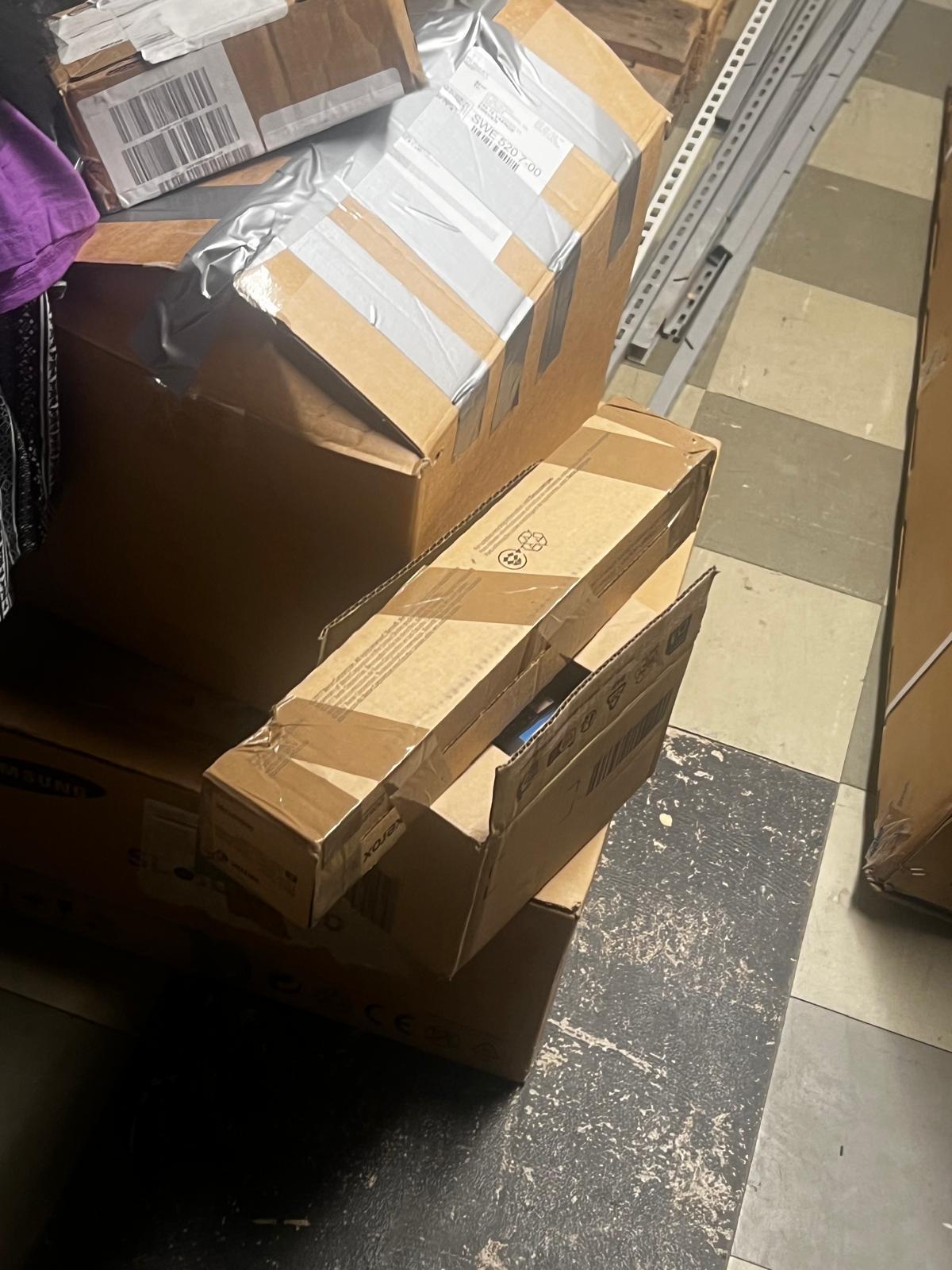
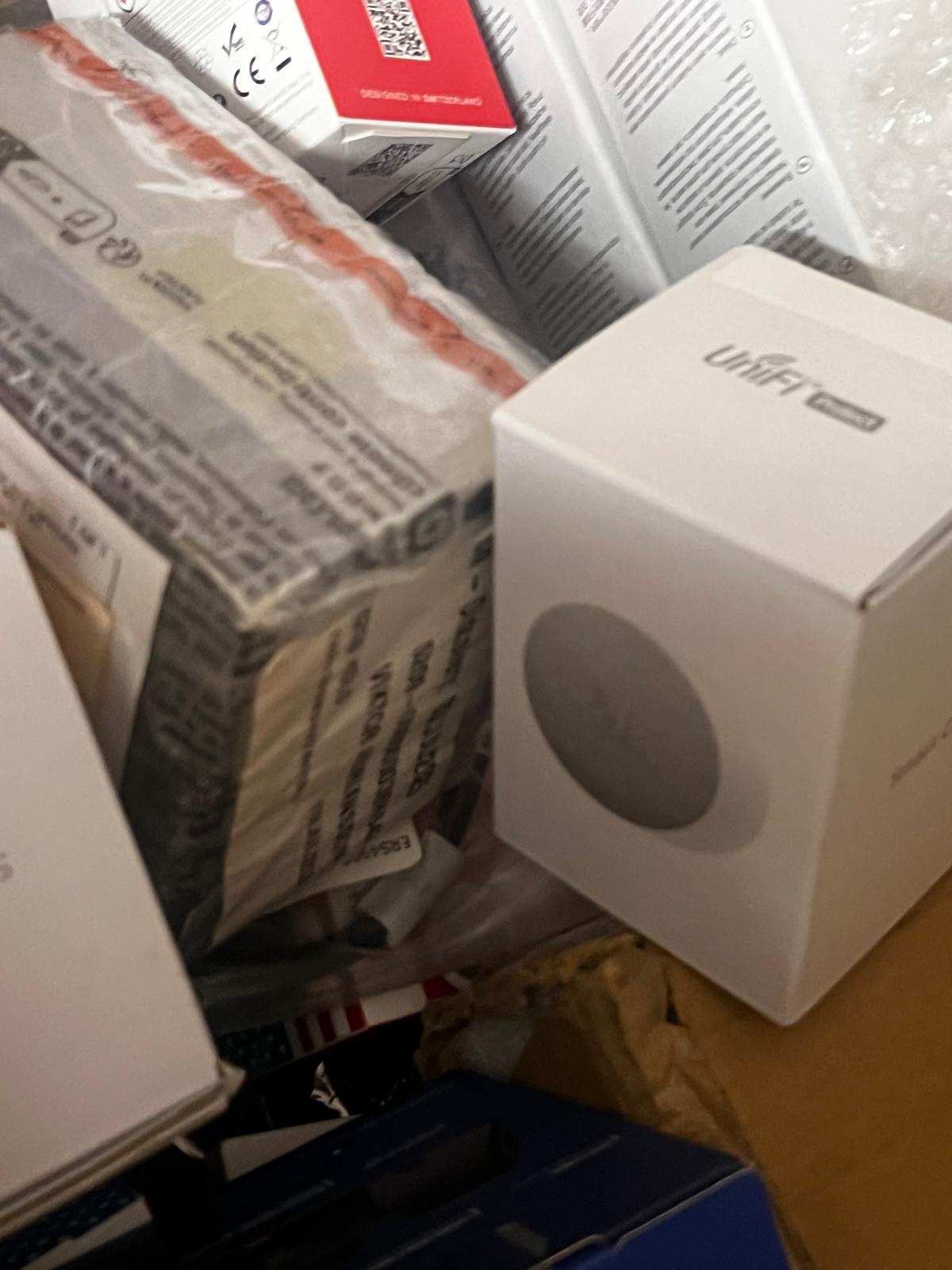
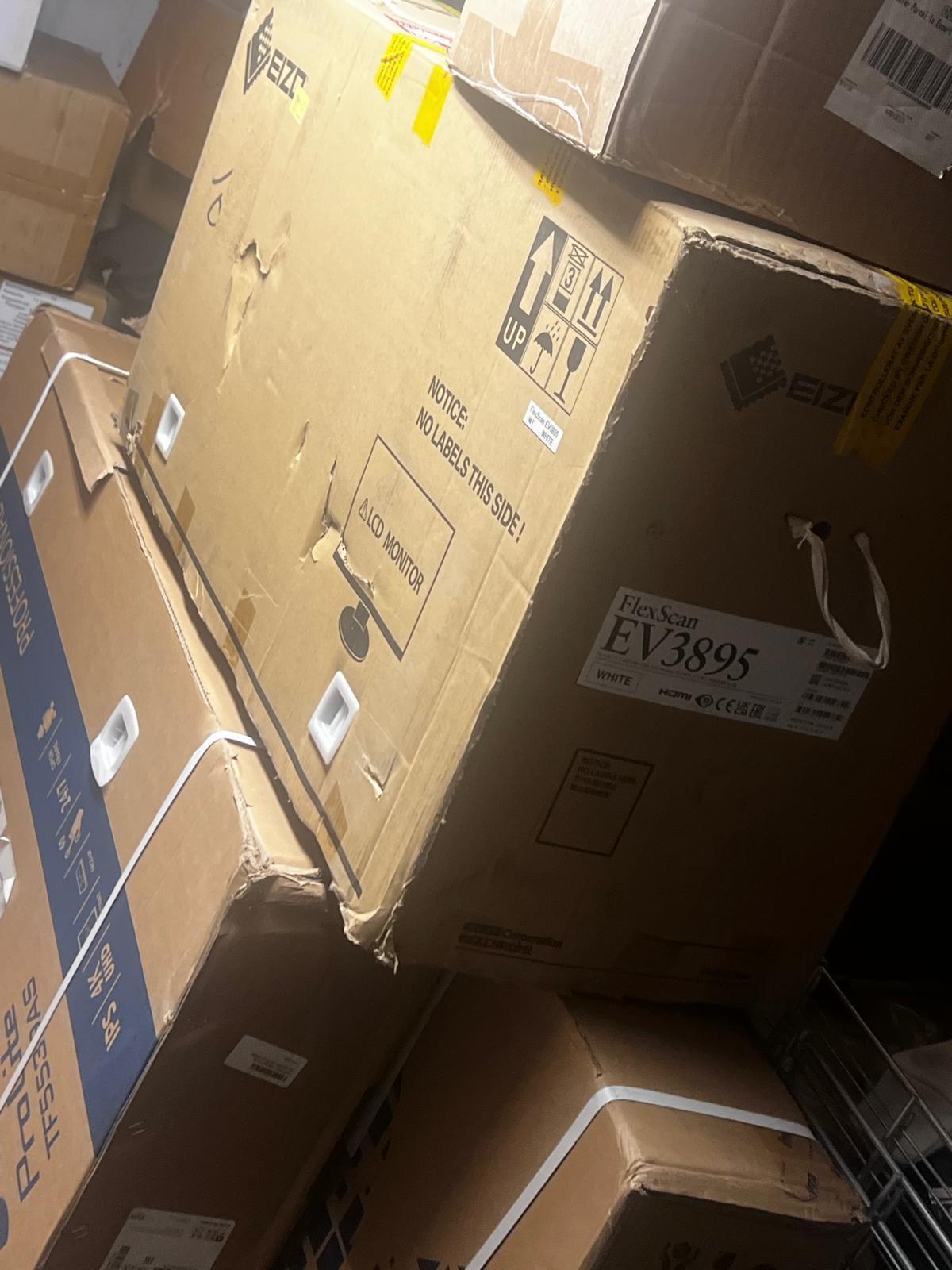
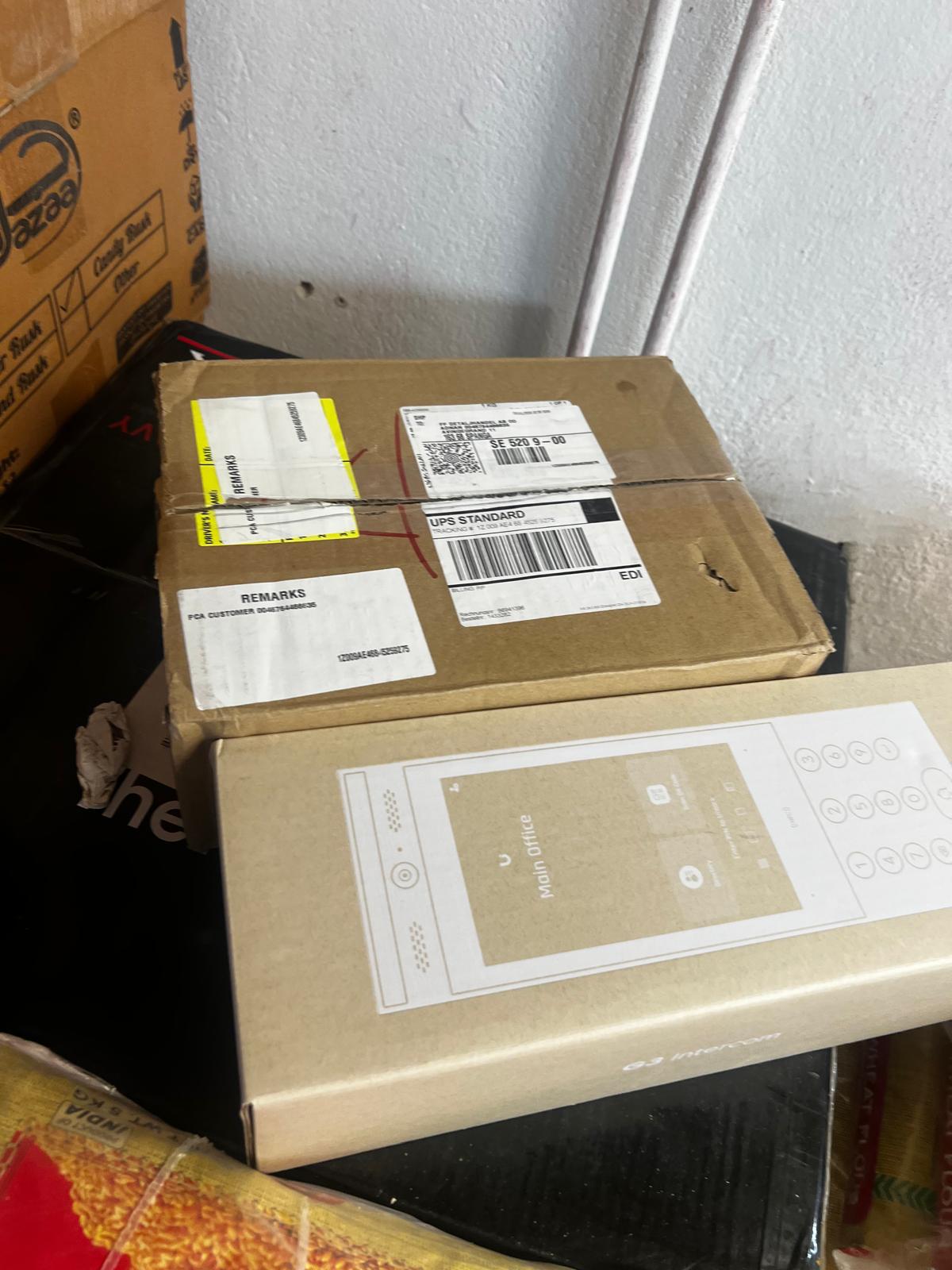
Every day, technology moves through our operation — received, checked, prepared and dispatched to customers. The images below show real equipment handled through our operation, not stock photography.
Real operations
Technology we actually handle
01
Source
Global supply
02
Receive
Goods arrive
03
Prepare
Process & pack
04
Dispatch
On the way