

Belkin USB A - Micro USB - 2m
ChargeSync cable - Black - 2 m - USB A - Micro-USB B - USB 2.0 - Male/Male - Black
Brand: Belkin
SKU: F2CU012BT2M-BLK
$71.88
Price as listed. Shipping charges calculated at checkout.
In stock

Do you have any question about this product or its specs? Want to know more? Click here to contact our pre-sales consultant and make the right purchase.
 NOTE: The information below is provided for your convenience only; the accuracy of the specifications cannot be guaranteed. However, if necessary, please check with us before purchasing. Data provided by 1 World Sync.
General
Cable length
2 m
Connector 1
USB A
Connector 2
Micro-USB B
USB version
USB 2.0
Connector gender
Male/Male
Maximum data transfer rate
480 Mbit/s
Product colour
Black
Belkin USB A - Micro USB, 2m. Cable length: 2 m, Connector 1: USB A, Connector 2: Micro-USB B, USB version: USB 2.0, Connector gender: Male/male, Maximum data transfer rate: 480 Mbit/s, Product color: Black
| Estimate Gross Weight | 0.07 |
|---|
https://www.belkin.com/us/F2CU012-Belkin/p/P-F2CU012
RAINBOW CONNECTION
Charge and sync your Samsung Galaxy devices quickly and safely, using just one cable. Simply plug the USB end directly into any USB port to stay connected while you’re at home, at work, or on the road.
Works with: Samsung Galaxy S® III, Samsung Galaxy S® II, Samsung Galaxy S®, Samsung Galaxy Note® II Smartphone, Samsung Galaxy Note Smartphone
CONNECT QUICKLY
Use the MiXiT UP Micro-USB to USB ChargeSync Cable to charge and sync your Samsung Galaxy S® III, Samsung Galaxy S® II, or Samsung Galaxy Note® II Smartphone at the fastest possible speed. The small, durable Micro-USB connector also works with most smartphones and tablets with a Micro-USB port, including Samsung, Kindle, HTC, Nokia, LG, Nexus and Motorola.
USE IT ANYWHERE
The MiXiT UP ChargeSync Cable plugs into any USB 2.0 port, so you can use it virtually anywhere. Connect to your laptop to charge and sync, use your own wall charger to charge from the wall, or plug into a car charger and charge on the road.
CASE COMPATIBILITY
Depending on the type of case you have, you may need to remove your case before charging. If your speakers, connector port and AUX port are fully exposed when your case is on, you should be able to easily charge and sync your device without removing the case.
RAINBOW CONNECTION
Charge and sync your Samsung Galaxy devices quickly and safely, using just one cable. Simply plug the USB end directly into any USB port to stay connected while you’re at home, at work, or on the road.
Works with: Samsung Galaxy S® III, Samsung Galaxy S® II, Samsung Galaxy S®, Samsung Galaxy Note® II Smartphone, Samsung Galaxy Note Smartphone
CONNECT QUICKLY
Use the MiXiT UP Micro-USB to USB ChargeSync Cable to charge and sync your Samsung Galaxy S® III, Samsung Galaxy S® II, or Samsung Galaxy Note® II Smartphone at the fastest possible speed. The small, durable Micro-USB connector also works with most smartphones and tablets with a Micro-USB port, including Samsung, Kindle, HTC, Nokia, LG, Nexus and Motorola.
USE IT ANYWHERE
The MiXiT UP ChargeSync Cable plugs into any USB 2.0 port, so you can use it virtually anywhere. Connect to your laptop to charge and sync, use your own wall charger to charge from the wall, or plug into a car charger and charge on the road.
CASE COMPATIBILITY
Depending on the type of case you have, you may need to remove your case before charging. If your speakers, connector port and AUX port are fully exposed when your case is on, you should be able to easily charge and sync your device without removing the case.
0.0
0 review(s)
Inside NetworkDistri
From our network to yours.
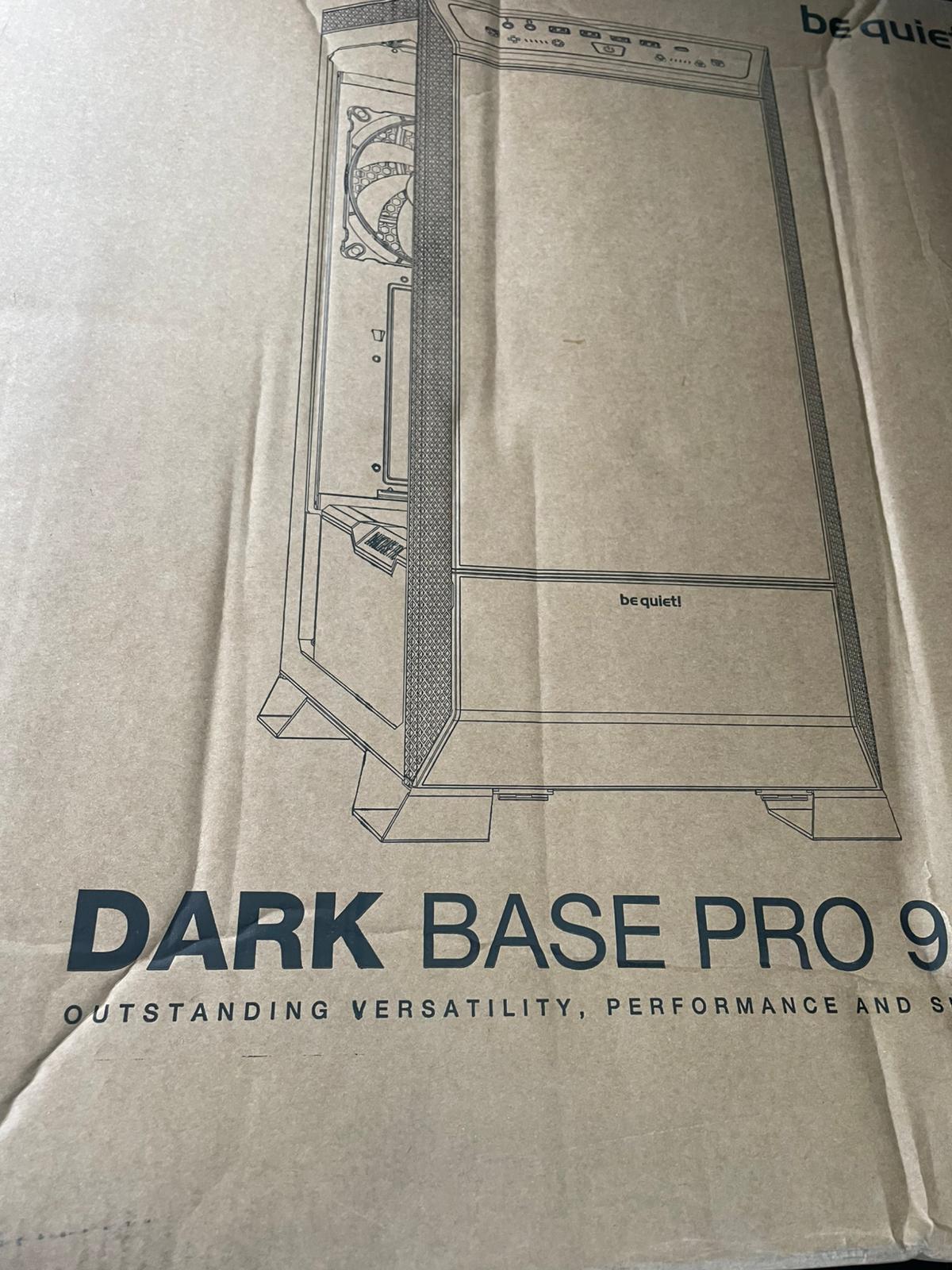
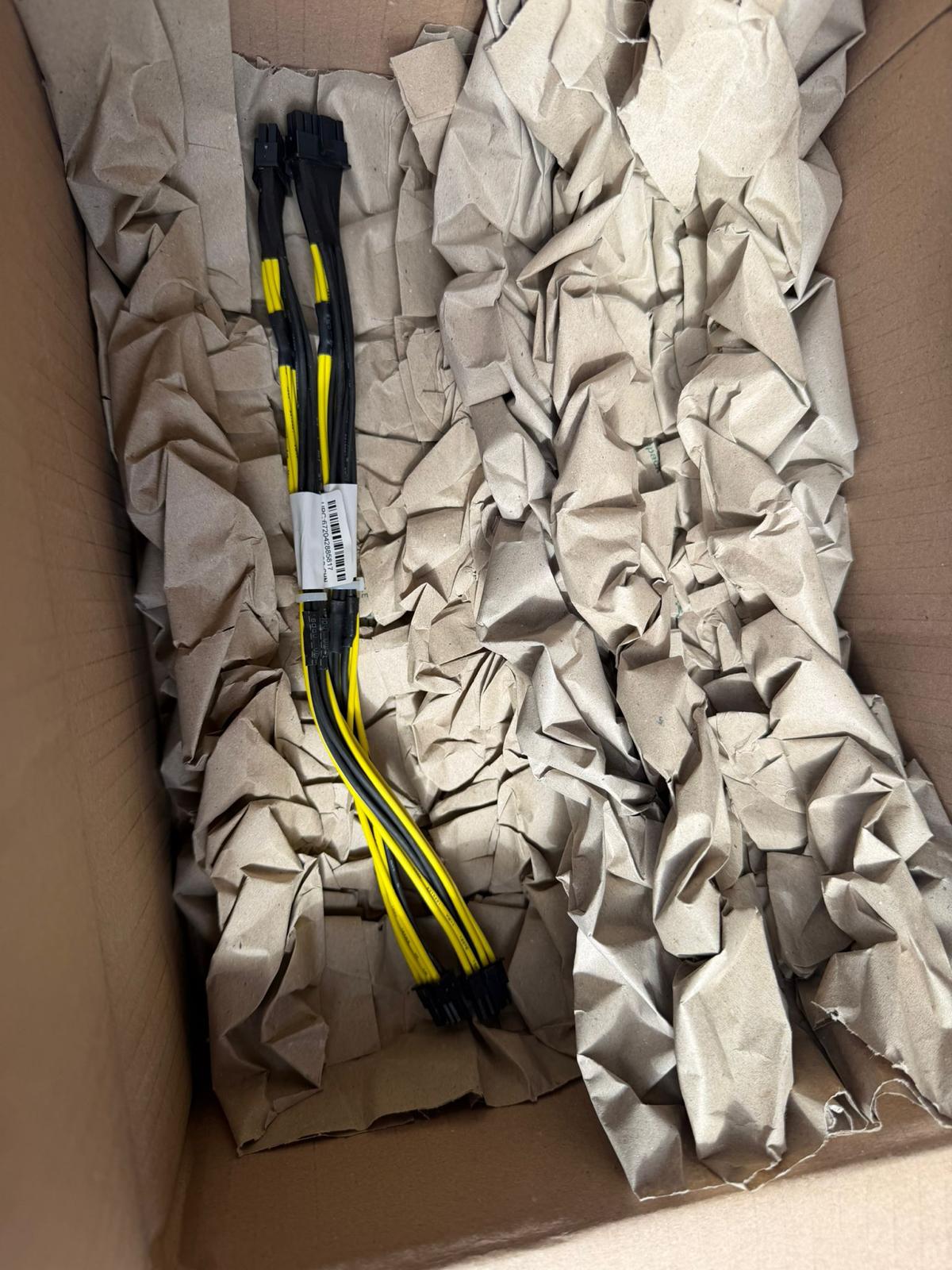
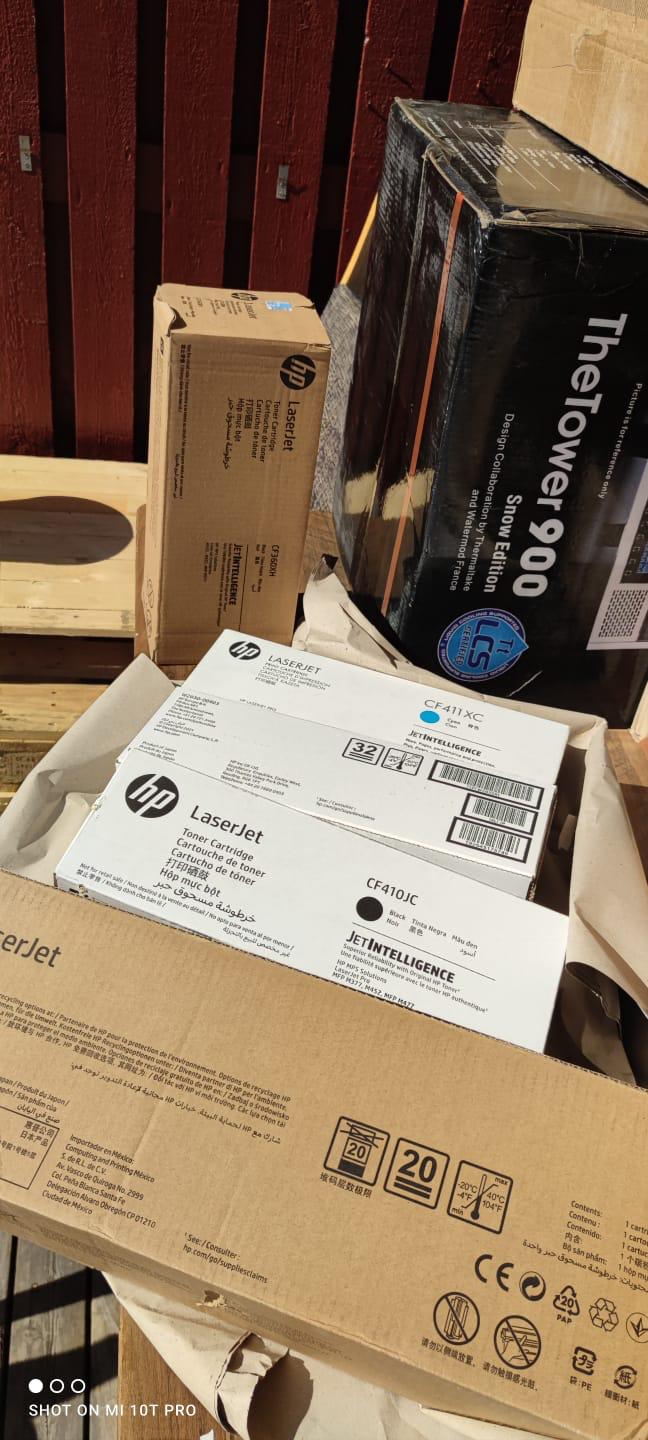
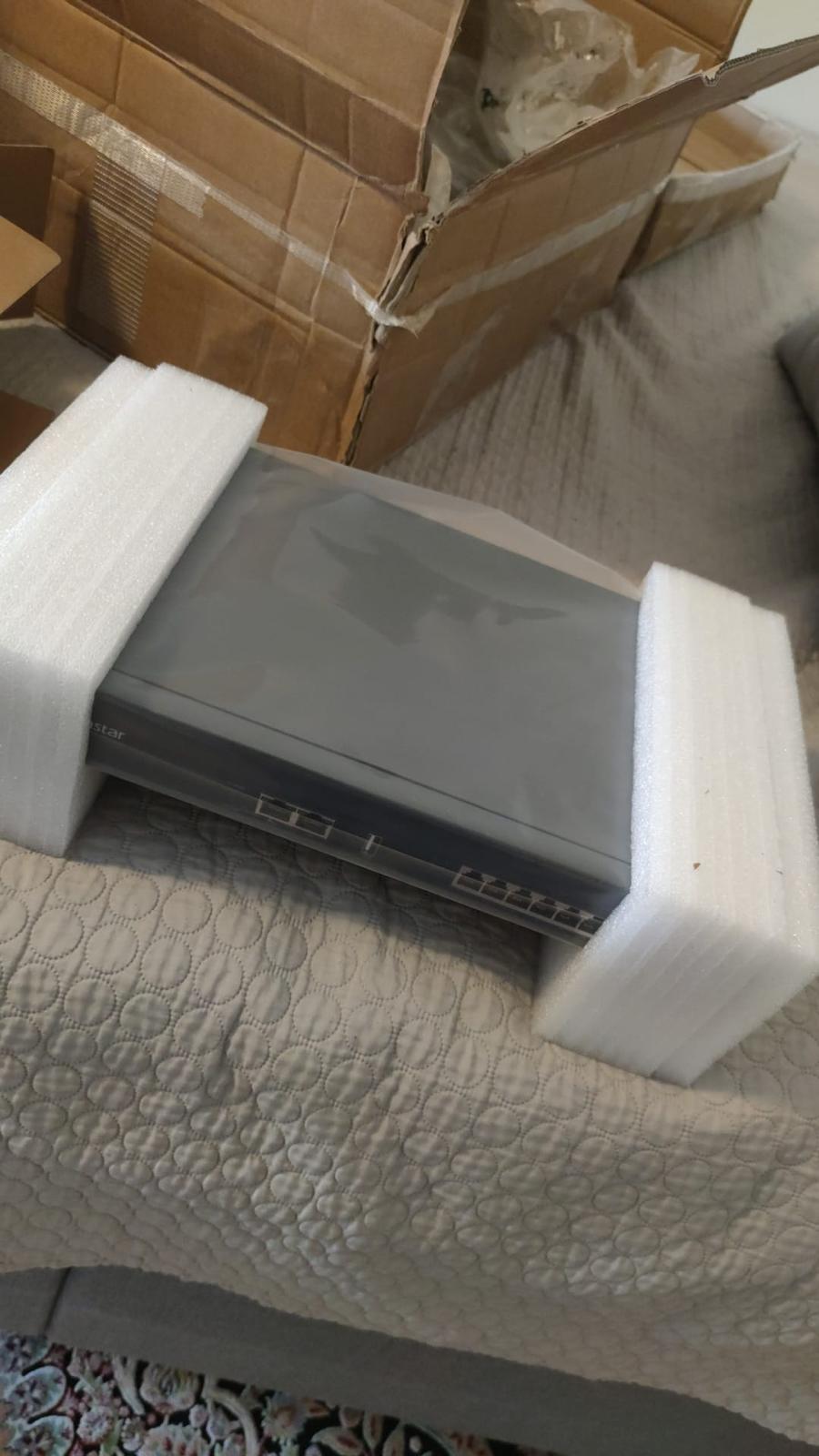
Every day, technology moves through our operation — received, checked, prepared and dispatched to customers. The images below show real equipment handled through our operation, not stock photography.
Real operations
Technology we actually handle
01
Source
Global supply
02
Receive
Goods arrive
03
Prepare
Process & pack
04
Dispatch
On the way