

Sharkoon V1000 RGB MicroATX Case
Sharkoon V1000 RGB - microATX - side panel with window (tempered glass) - no power supply - USB/audio
Brand: Sharkoon
SKU: 4044951035052
$142.13
Price as listed. Shipping charges calculated at checkout.
In stock

Do you have any question about this product or its specs? Want to know more? Click here to contact our pre-sales consultant and make the right purchase.
 NOTE: The information below is provided for your convenience only; the accuracy of the specifications cannot be guaranteed. However, if necessary, please check with us before purchasing. Data provided by 1 World Sync.
General
Form factor
Micro Tower
Type
PC
Product colour
Black
Front fans installed
2x 120 mm
Front fans diameters supported
120 mm
Rear fans installed
1x 120 mm
Supported HDD sizes
2.5,3.5,5.25 "
Width
200 mm
Depth
450 mm
Height
402 mm
Sharkoon V1000 RGB. Form factor: Micro Tower, Type: PC, Product colour: Black. Front fans installed: 2x 120 mm, Front fans diameters supported: 120 mm, Rear fans installed: 1x 120 mm. Supported HDD sizes: 2.5,3.5,5.25". Width: 200 mm, Depth: 450 mm, Height: 402 mm
| Estimate Gross Weight | 6.106 |
|---|
https://en.sharkoon.com/product//35052#desc
The V1000 is back, and shows itself in a new, RGB-illuminated guise: Three 120 mm RGB LED fans are pre-installed in the V1000 RGB: two behind the mesh front panel and another on the rear panel. The power supply tunnel on the bottom panel conceals cables, ensuring the tidy installation of the hardware inside the case. Inside the micro-ATX case there is space for particularly large components such as a graphics card with a length of up to 40 cm.
Optimal Fan Solutions. Three 120 mm RGB LED fans are already installed in the front and the rear of the V1000 RGB, while the top of the case offers space for up to three 120 mm fans or two 140 mm fans. With removable dust filters at the top, front and bottom panels, the components are well protected, and the casing stays clean.
The Small All-Rounder. The V1000 RGB offers something for everybody. The tempered glass side panel ensures an accomplished presentation of the hardware, especially with illuminated components. It is suitable for office use as well as for gaming. Or it can be used as a compact multimedia station. RGB enthusiasts are also catered for: Using a mainboard with an integrated RGB control and a header with a pinout of 5V-D-G or 5V-D-coded-G, the case can be illuminated in a wide variety of colors.
Various Options for Data Storage Drives. In the front panel of the V1000 RGB there is a removable mount for a 5.25" drive. Here, the supplied 5.25" front cover with a 3.5" opening enables the installation of an external 3.5" device. Two 3.5" HDDs or two 2.5" SSDs will find room in the HDD/SSD cage. Two further 2.5" drives can be accommodated behind the mainboard tray.
Lots of Room Also for Larger Components. Not only will a number of data storage drives have sufficient space in the V1000 RGB: Although the case is very compact, a radiator can be placed at the front, or a graphics cards with a maximum length of 40 cm can be installed. A CPU cooler with a maximum height of approx. 15.8 cm can also be accommodated in this micro-ATX case.
Neat and Tidy. The tunnel on the bottom panel of the V1000 RGB enables the tidy installation of the power supply unit together with its cabling. Here, power supply units with a maximum length of 24 cm can be placed next to the HDD/SSD cage, which is also housed in the tunnel. Thanks to the extra-long slots, the cage can be moved into the required position. A number of cable pass-throughs ensure that the rest of the cabling can tidily disappear behind the mainboard tray.
The V1000 is back, and shows itself in a new, RGB-illuminated guise: Three 120 mm RGB LED fans are pre-installed in the V1000 RGB: two behind the mesh front panel and another on the rear panel. The power supply tunnel on the bottom panel conceals cables, ensuring the tidy installation of the hardware inside the case. Inside the micro-ATX case there is space for particularly large components such as a graphics card with a length of up to 40 cm.
Optimal Fan Solutions. Three 120 mm RGB LED fans are already installed in the front and the rear of the V1000 RGB, while the top of the case offers space for up to three 120 mm fans or two 140 mm fans. With removable dust filters at the top, front and bottom panels, the components are well protected, and the casing stays clean.
The Small All-Rounder. The V1000 RGB offers something for everybody. The tempered glass side panel ensures an accomplished presentation of the hardware, especially with illuminated components. It is suitable for office use as well as for gaming. Or it can be used as a compact multimedia station. RGB enthusiasts are also catered for: Using a mainboard with an integrated RGB control and a header with a pinout of 5V-D-G or 5V-D-coded-G, the case can be illuminated in a wide variety of colors.
Various Options for Data Storage Drives. In the front panel of the V1000 RGB there is a removable mount for a 5.25" drive. Here, the supplied 5.25" front cover with a 3.5" opening enables the installation of an external 3.5" device. Two 3.5" HDDs or two 2.5" SSDs will find room in the HDD/SSD cage. Two further 2.5" drives can be accommodated behind the mainboard tray.
Lots of Room Also for Larger Components. Not only will a number of data storage drives have sufficient space in the V1000 RGB: Although the case is very compact, a radiator can be placed at the front, or a graphics cards with a maximum length of 40 cm can be installed. A CPU cooler with a maximum height of approx. 15.8 cm can also be accommodated in this micro-ATX case.
Neat and Tidy. The tunnel on the bottom panel of the V1000 RGB enables the tidy installation of the power supply unit together with its cabling. Here, power supply units with a maximum length of 24 cm can be placed next to the HDD/SSD cage, which is also housed in the tunnel. Thanks to the extra-long slots, the cage can be moved into the required position. A number of cable pass-throughs ensure that the rest of the cabling can tidily disappear behind the mainboard tray.
0.0
0 review(s)
Inside NetworkDistri
From our network to yours.
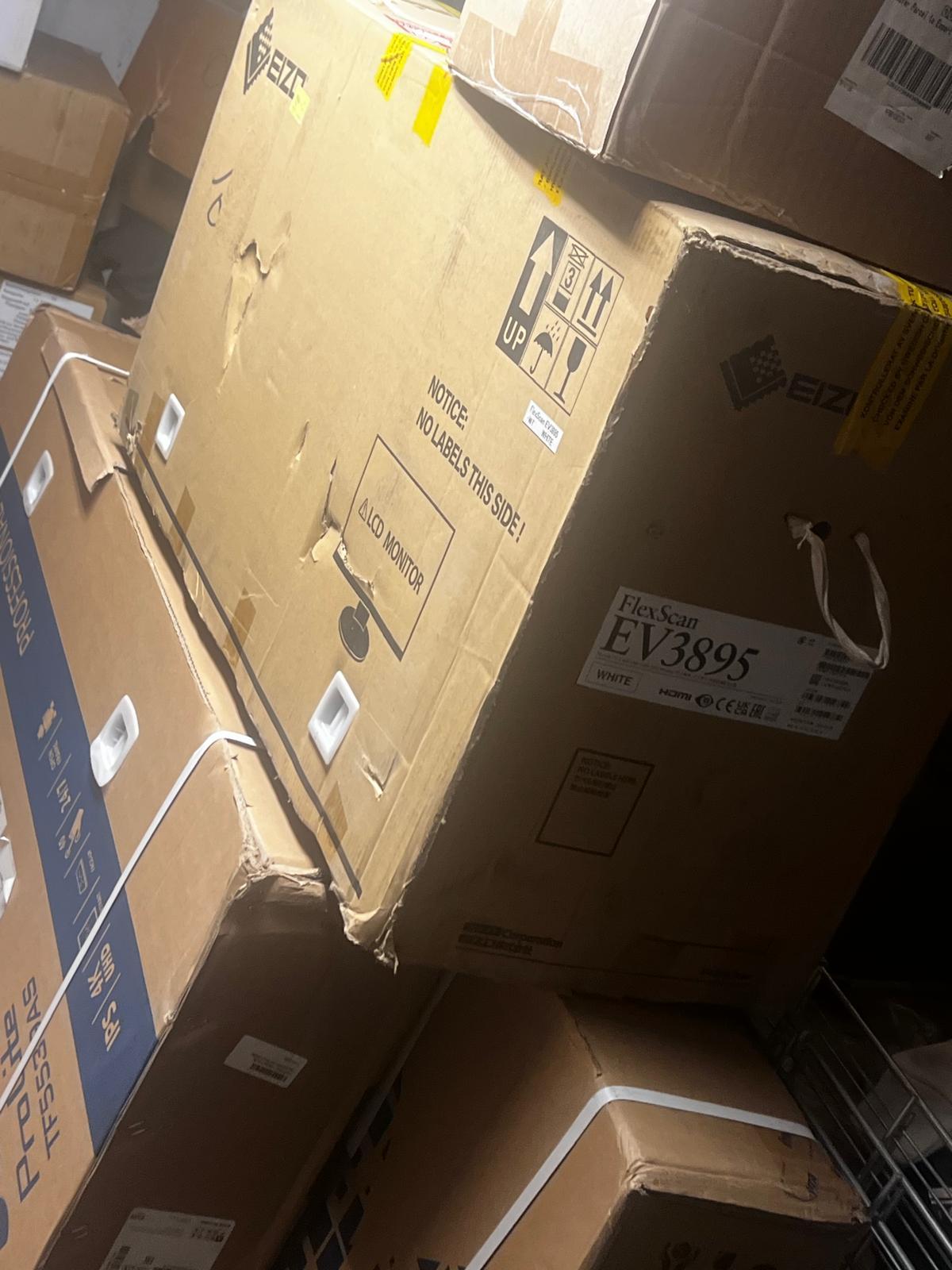
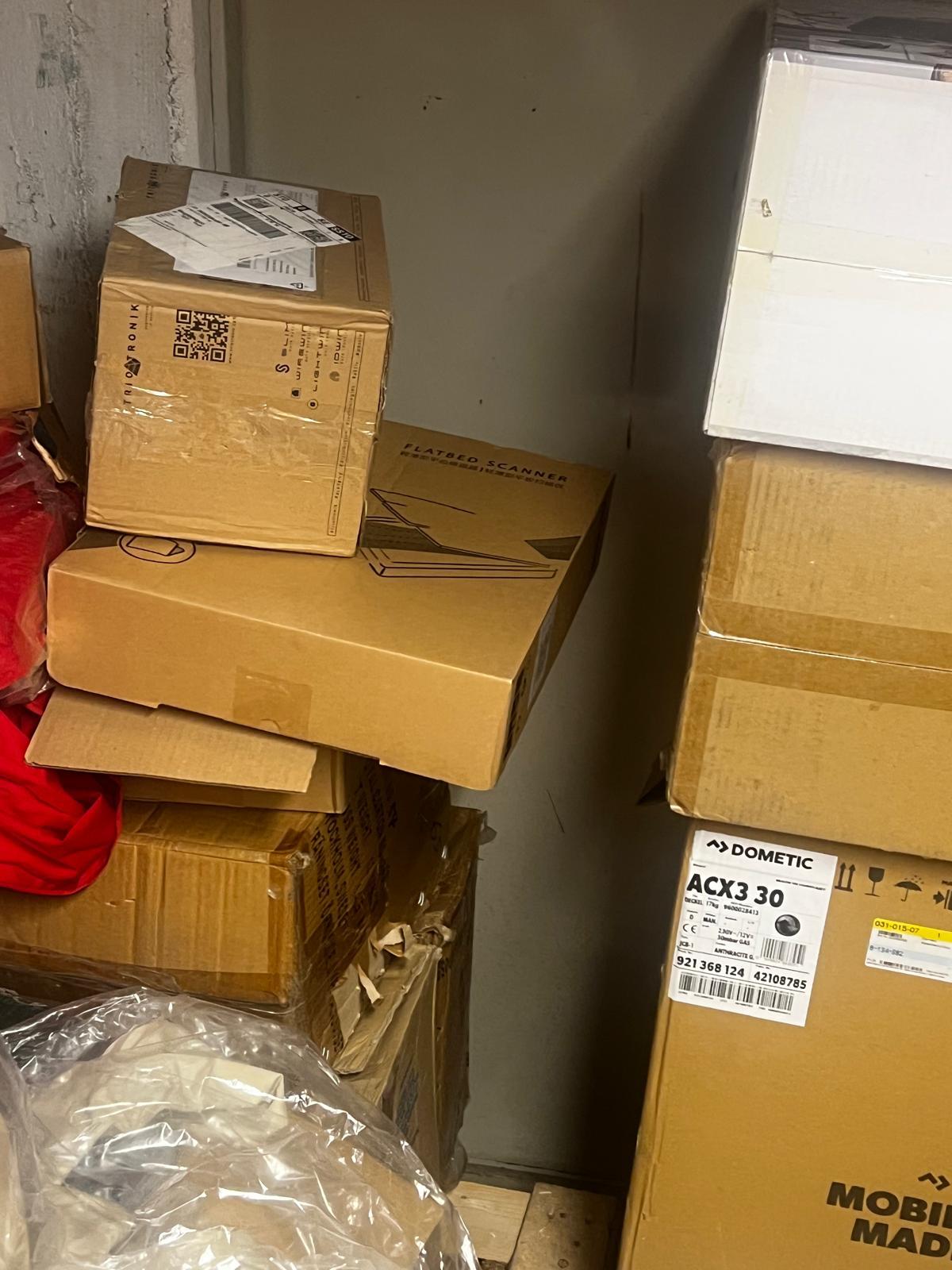
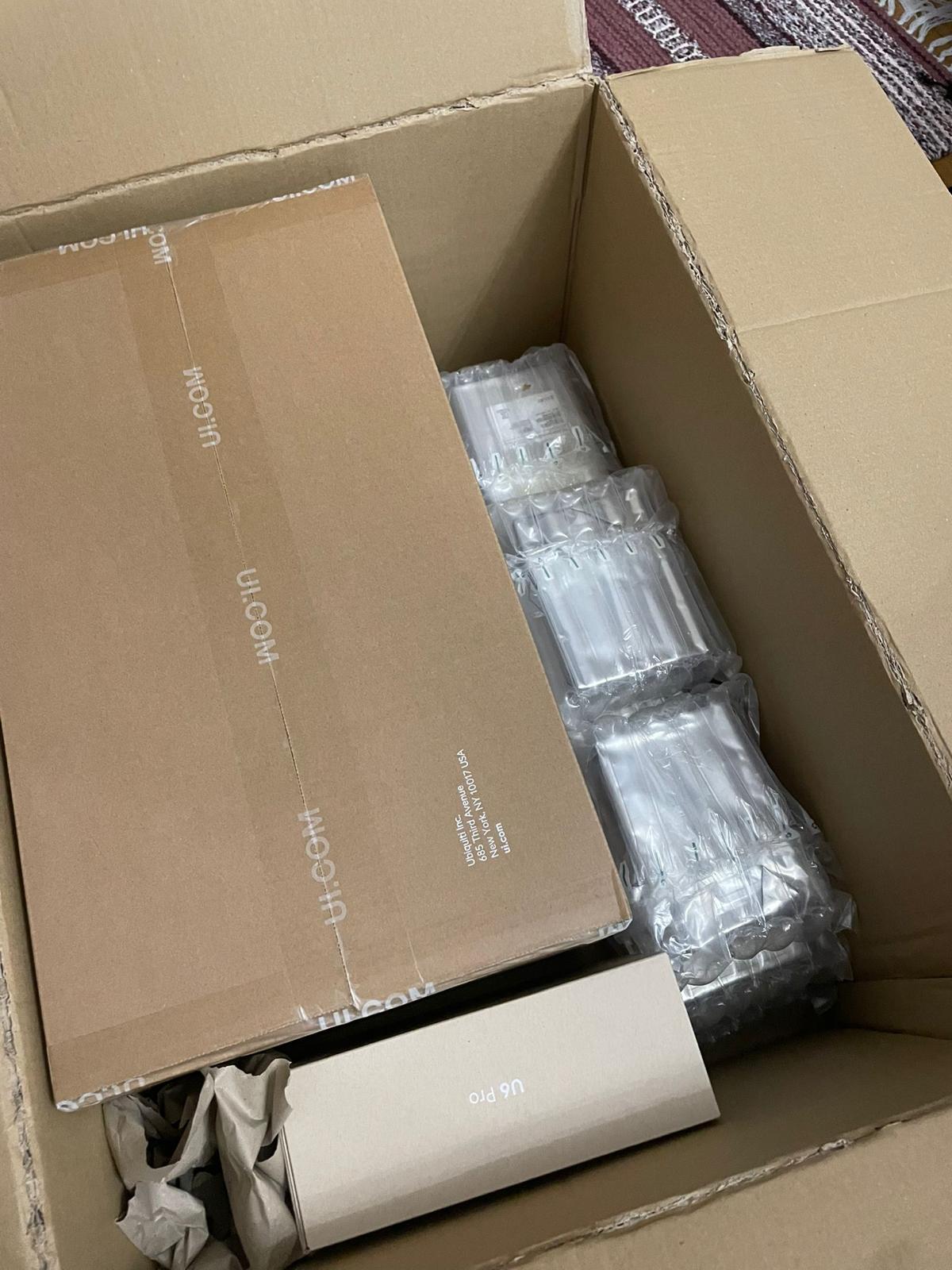
Every day, technology moves through our operation — received, checked, prepared and dispatched to customers. The images below show real equipment handled through our operation, not stock photography.
Real operations
Technology we actually handle
01
Source
Global supply
02
Receive
Goods arrive
03
Prepare
Process & pack
04
Dispatch
On the way